軟體購買、啟用與更新
概要: The user guide below will allow users to learn the steps to 購買, 啟用, and 更新 in Bitwar 浮水印專家.
目錄
Purchase Software License
Users can purchase the watermark software license through the in-software store or 官方網上商店.
注意: In-software purchase requires no license code, as the license has been activated right after your payment.
In-Software Store
1. 登錄 the software with your account and click on the 購買許可證 icon. Suppose that; you don’t have an account yet, create an account with your email address, Facebook, Twitter, or Google+.
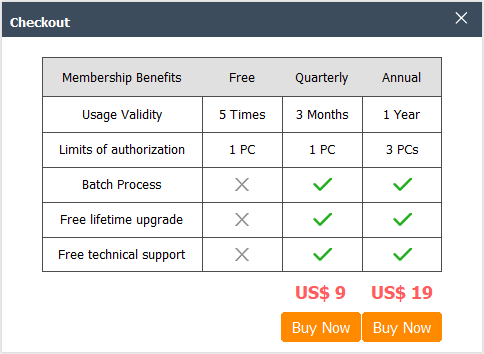
2. Select the Quarterly 或 全年 package which you preferred and click Buy Now to proceed with the purchase.
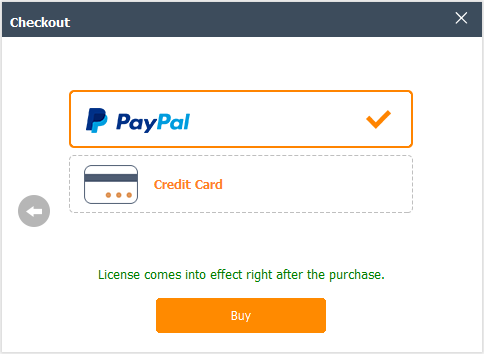
3. Select the Payment Method and complete the payment.
官方網上商店
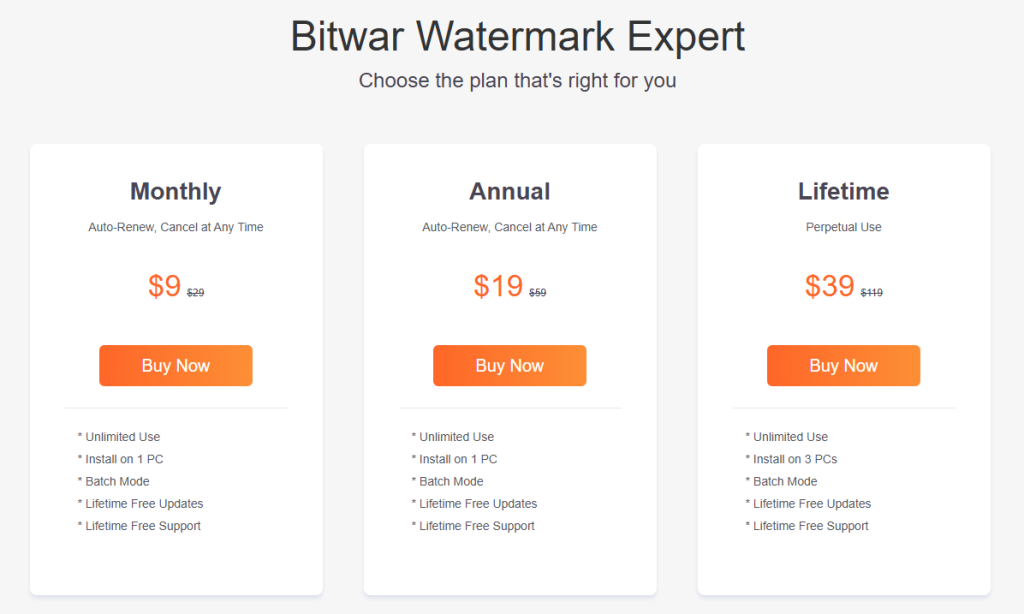
Proceed to the Online Store of Bitwar Software and buy Bitwar 浮水印專家. Then, choose the package you preferred and click 立即購買. Lastly, follow the procedure to complete the payment, and you will receive a software license code in your account email address.
溫馨提示
Please remember to save the order number right after the purchase, just in case you had forgotten the account login method, password, or license code; you can recover the account or the account license through contacting the customer service for 帳戶和許可證檢索 by using the order number of the purchase!
啟用設定軟體
Suppose that you had purchased the license from the Online Store, then you will receive a license code from the Bitwar Official through the Inbox 或 Junk/Spam folder in the email. Then follow the steps below to activate the software using the license code:
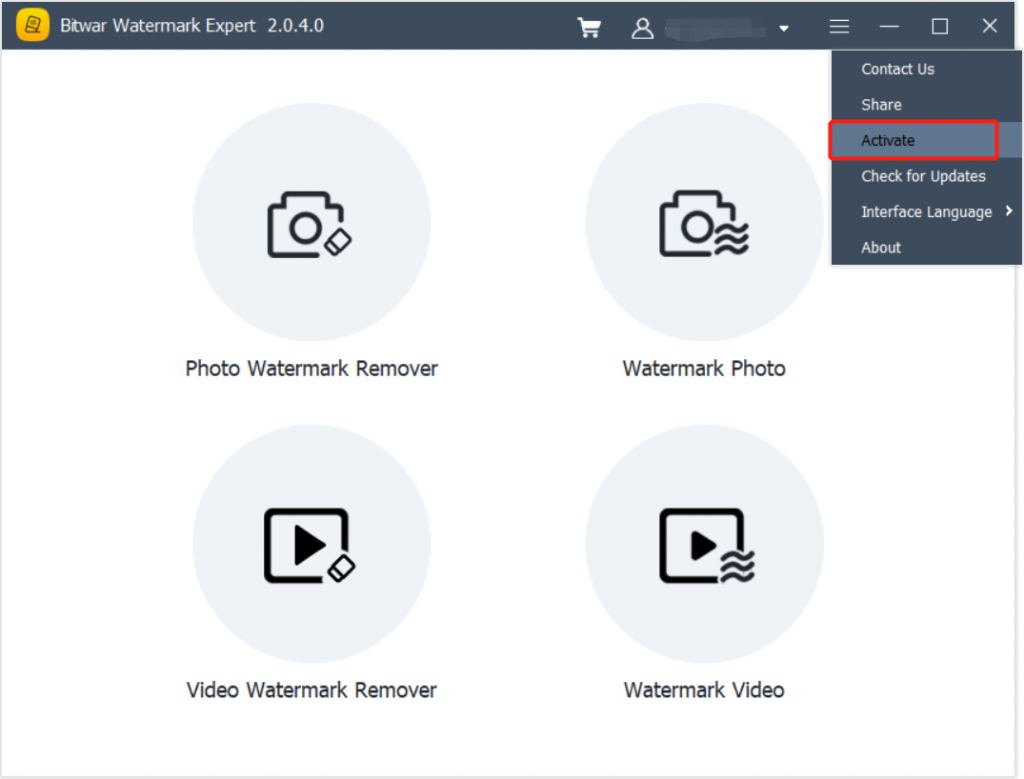
1. Launch Bitwar 浮水印專家 and log in to your account. Then, click on More Menu and choose Activate.
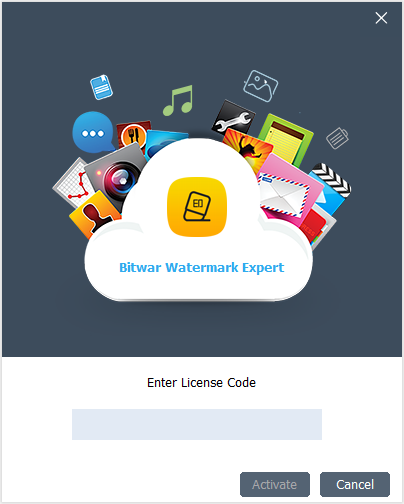
2. Copy 和 Enter the license code from the email address. Then, click 啟用 to start the activation of the software.
3. The activation code has been bound to your VIP account now and all you need to do is log in to this VIP account on your computer in the future.
如何查看License有效期限
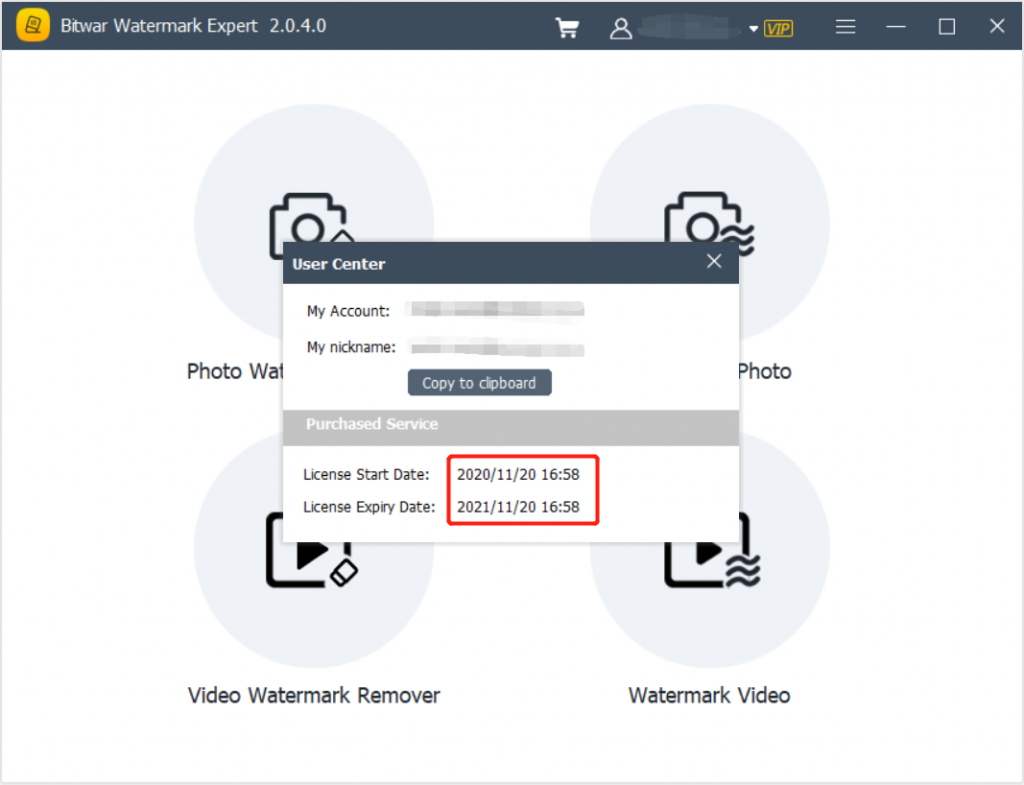
Right after you had finished purchasing and activating the software, your VIP license will be activated automatically. Please check the license validity time through the User Center in the software.
更新軟體
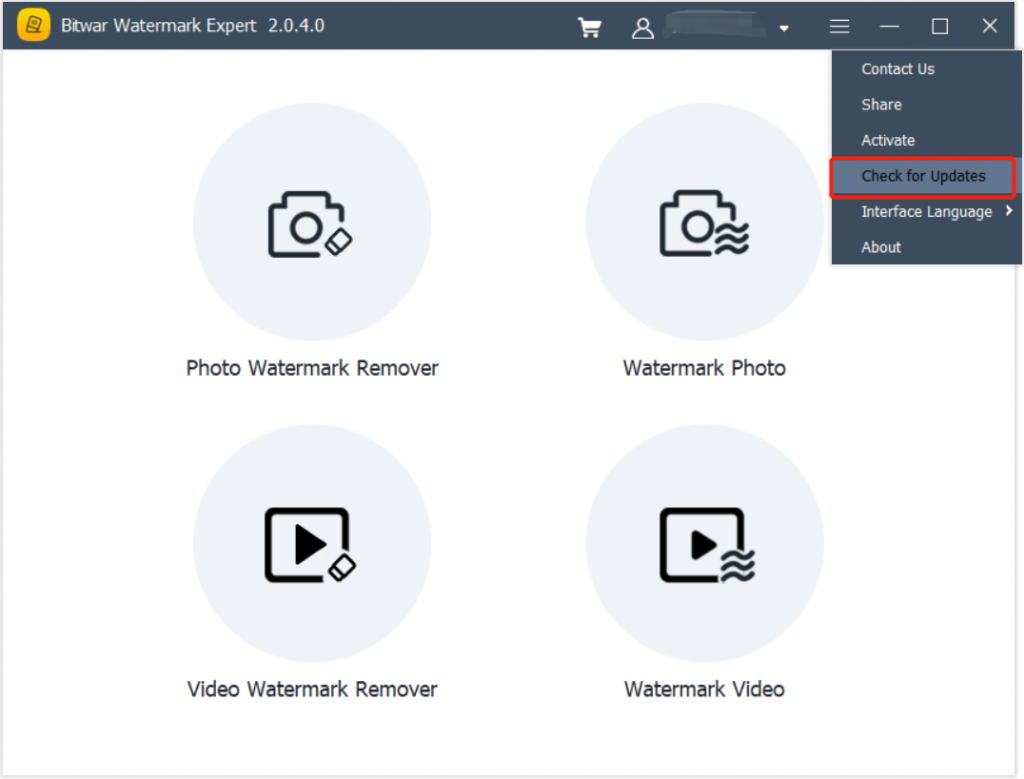
If there is any new version released, users can update the software by choosing the Check for Updates menu in the software.
1. Launch Bitwar 浮水印專家 然後點擊 Check for Updates from the more menu.
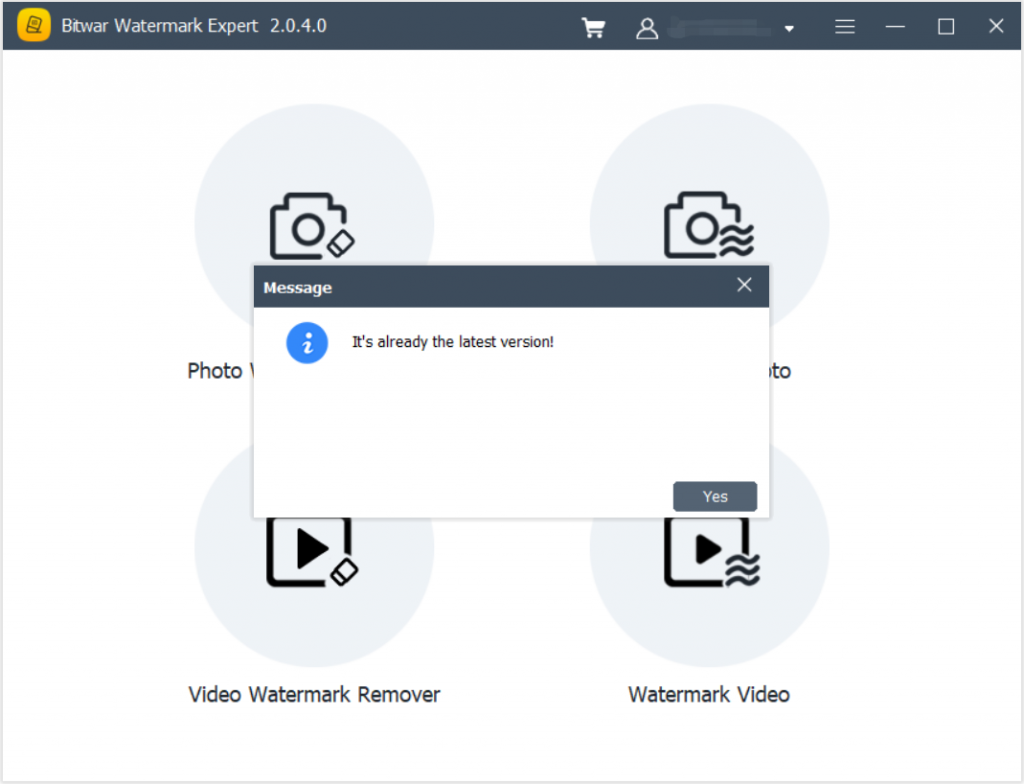
2. Just follow the given instructions to update the software. In case the software is updated, a message will appear with “It’s already the latest version!“.