Comece o conversor Bitwar HEIC
Last Updated: 2021-09-29
Resumo: This user guide will allow users to learn details about the Installation and Software Interface of Conversor Bitwar HEIC.
Índice
Baixar software
Go straight to the Software Download Homepage to download and install Guerra Bitwar Conversor HEIC for Free!
Instalação de software
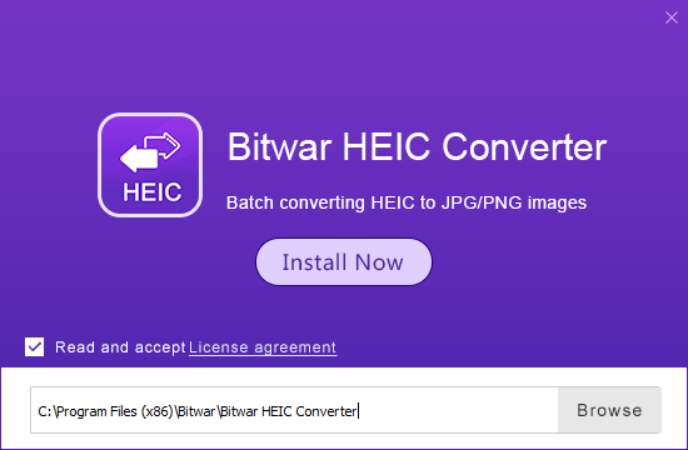
1. Open the BitwarHEICSetup to start the software setup.
2. Escolha o File Destination Location to install the software and click Install Now.
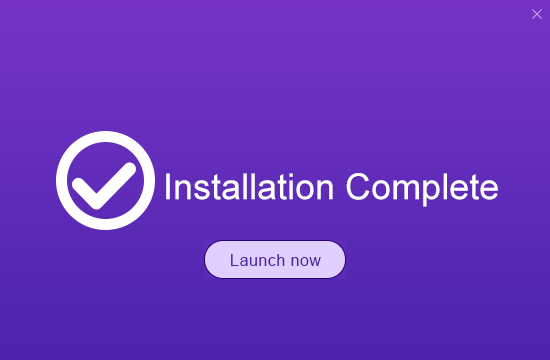
3. When the installation is complete, click Launch now.
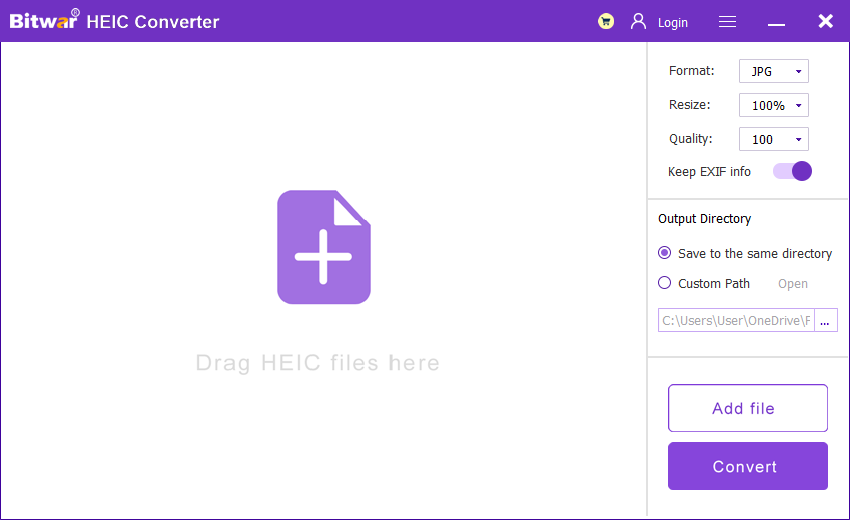
Conheça a interface do software
Main Interface
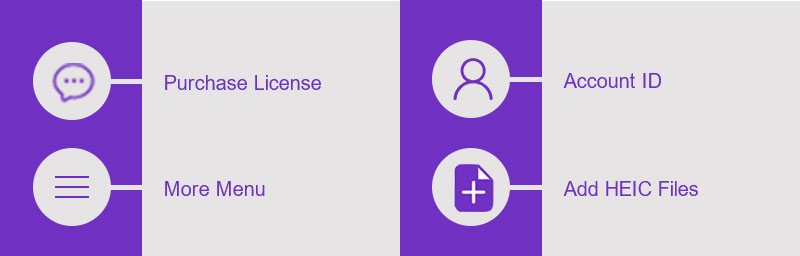
Interface Buttons
For the Next Tutorial about the Convert HEIC Image, click on the link below:





