Bitwar Heic Converterを開始します
Last Updated: 2021-09-29
要約: This user guide will allow users to learn details about the Installation and Software Interface of Bitwar HEIC コンバーター.
目次
Download Software
Go straight to the Software Download Homepage to download and install ビットウォー HEICコンバーター for Free!
Software Installation
1. Open the Bitwarheicsetup to start the software setup.
2。を選択します ファイルの宛先の場所 ソフトウェアをインストールしてクリックします今すぐインストールしてください.
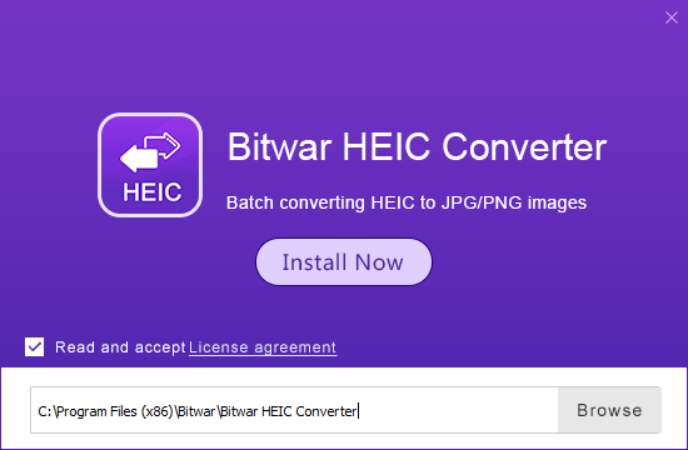
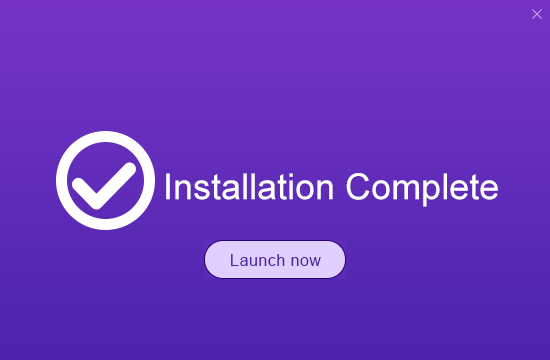
3.インストールが完了したら、クリックします 今すぐ起動します.
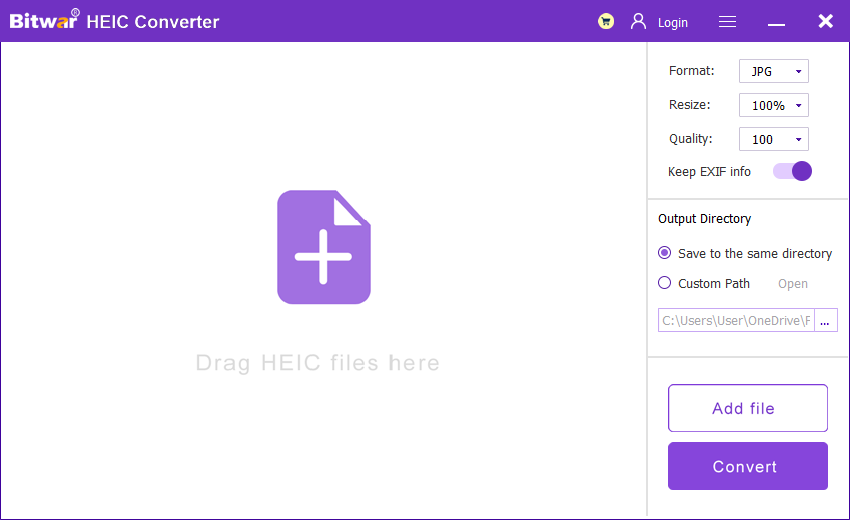
ソフトウェア インターフェイスについて理解する
メインインターフェース
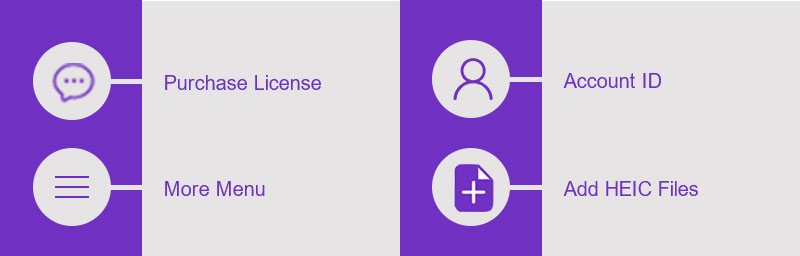
インターフェースボタン
Convert HEICイメージに関する次のチュートリアルについては、以下のリンクをクリックしてください。





