Software Purchase, Activation and Update
개요: 이 문서는 사용자에게 구매, 활성화 및 업데이트 방법을 알려줍니다. Bitwar 아이폰 데이터 복구.
목차
라이선스 구매
사용자는 다음에서 소프트웨어를 구입할 수 있습니다. 공식 온라인 스토어 또는 소프트웨어 내 스토어.
Note: In-software purchase requires no license code, as the license has been activated right after your payment.
In-software Purchase
1. 기본 인터페이스에서 카트 오른쪽 상단 모서리에 있는 아이콘. 그런 다음 로그인하거나 새 계정을 만드십시오.
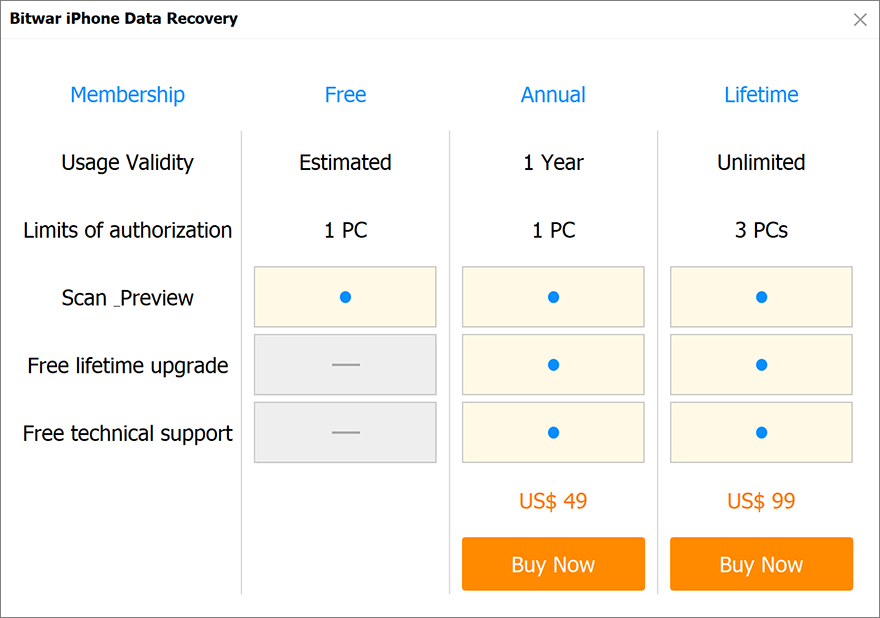
2. Choose 연간 or 일생 package according to your requirements.
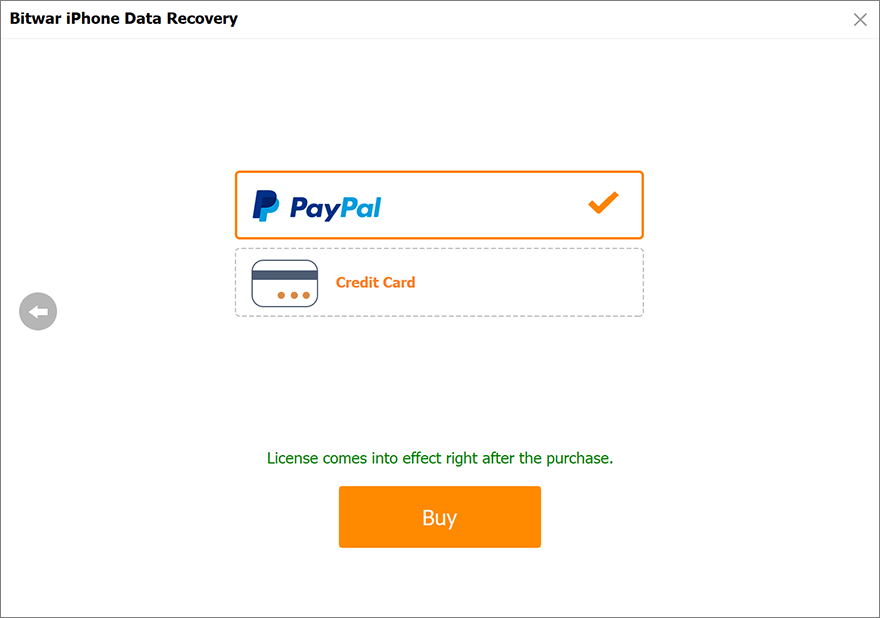
3. Choose the Payment Method 그리고 거래를 완료합니다.
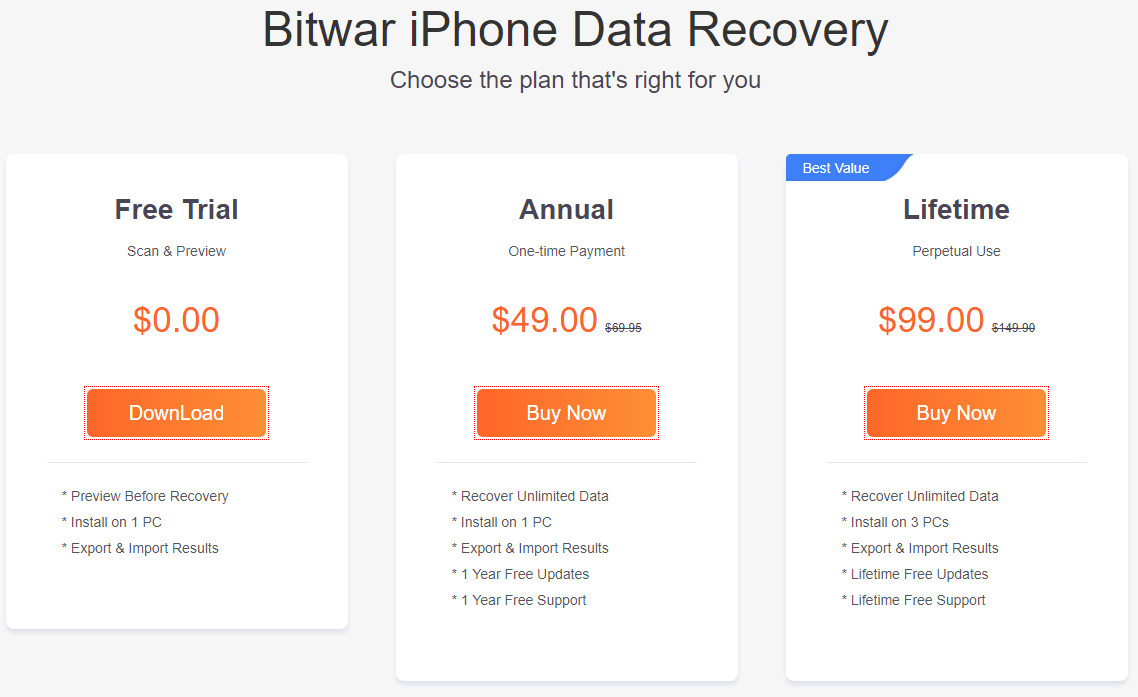
Official Online Store
If you prefer a license code for software activation, you can then purchase the license code from the Official Online Store; 사용자가 받을the code in the email address after purchasing the software.
노트: Please check the Junk/Spam or Inbox for the license code from the Bitwar support team.
After getting the license code, we can then move to the next step activating the software using this code.
Bitwar iPhone 데이터 복구를 활성화하는 단계
Step 1: Launch the software and log in. If you don’t have an account, please create one.
Step 2: Click on More Menu and choose Activate.
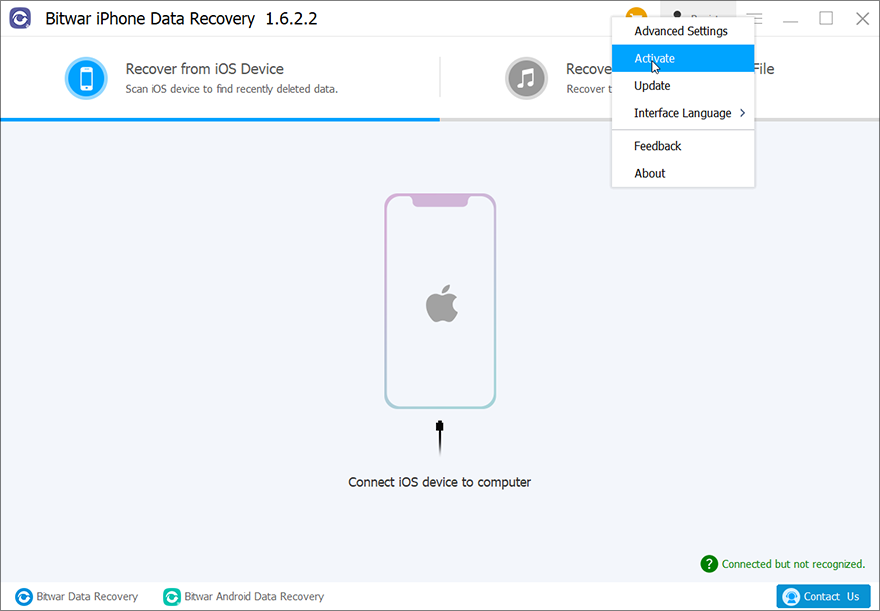
3단계: 복사 라이센스 코드 이메일과 paste 빈 공간에 넣습니다.
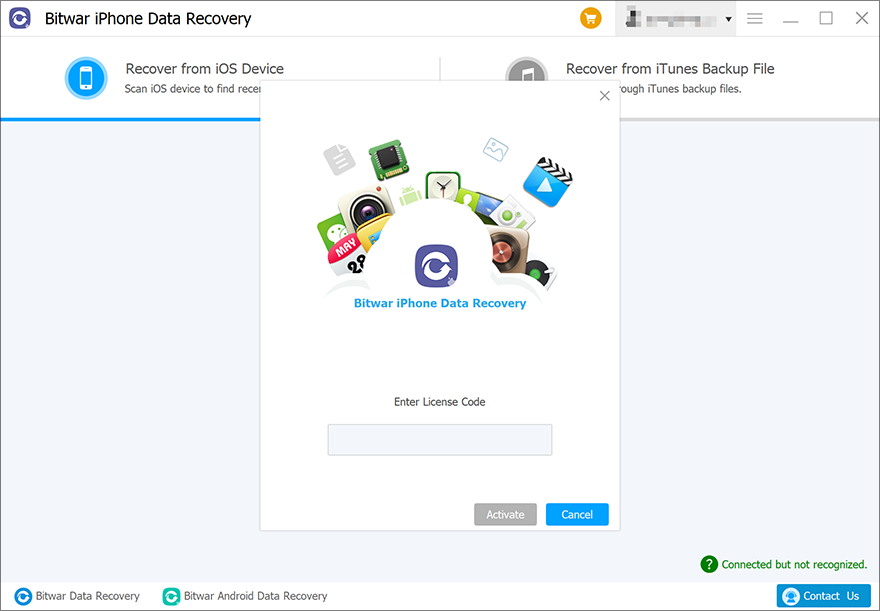
Step 4: Click Activate 소프트웨어를 활성화합니다.
Step 5: The activation code has been bound to your VIP account now and all you need to do is log in to this VIP account on your computer in the future.
How to Check License Validity Time
Users can check the license validity time in this way: Click on your username > My account.
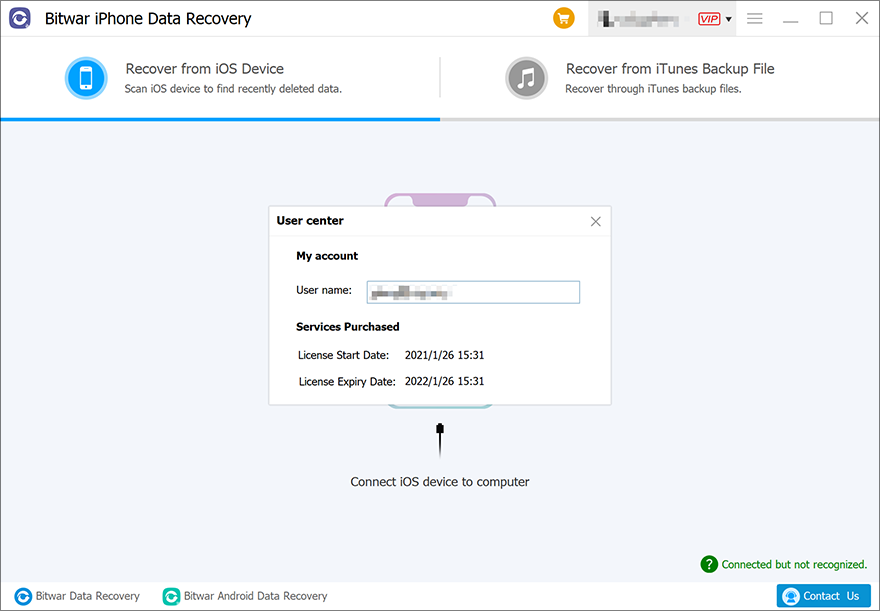
Software Update
Users can always get the latest version of the software after its release.
1. Launch 비트와르 아이폰 데이터 복구.
2. 클릭 More Menu and choose Update.
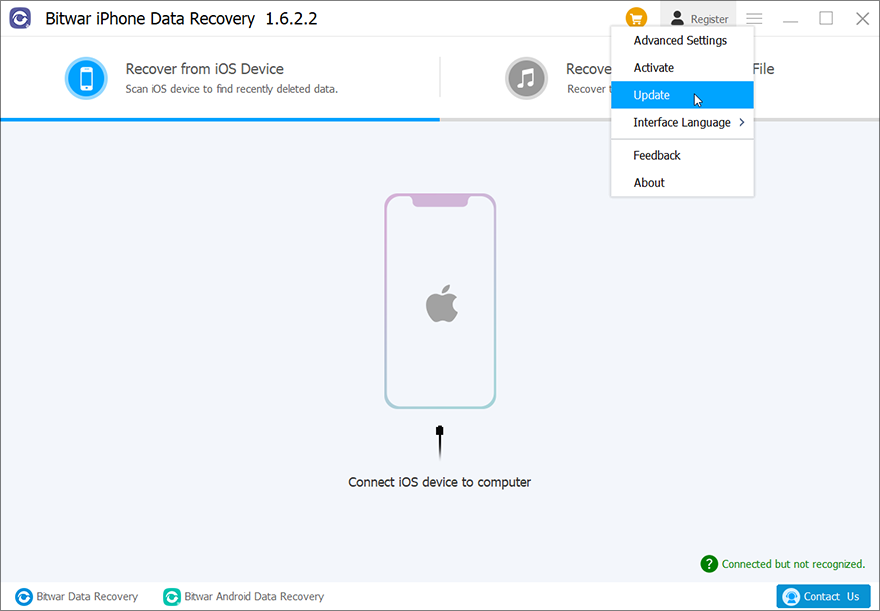
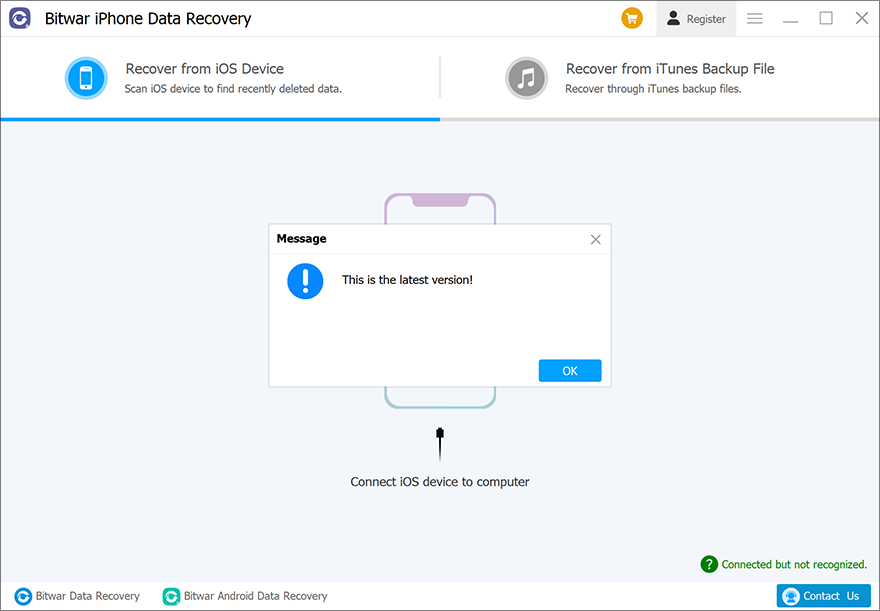
3. 새 버전이 있는 경우 지침에 따라 소프트웨어를 업데이트합니다. 그렇지 않은 경우 "라는 메시지가 표시됩니다.이것은 최신 버전입니다”.