Software Purchase, Activation and Update
Podsumowanie: This article will tell users how to Purchase, Activate, and Update in Bitwarowe odzyskiwanie danych iPhone'a.
Spis treści
License Purchase
Users can purchase the software in the official online store or the in-software store.
Uwaga: In-software purchase requires no license code, as the license has been activated right after your payment.
In-software Purchase
1. In the primary interface, click on the Cart icon in the upper-right corner. Then log in or create a new account to do so.
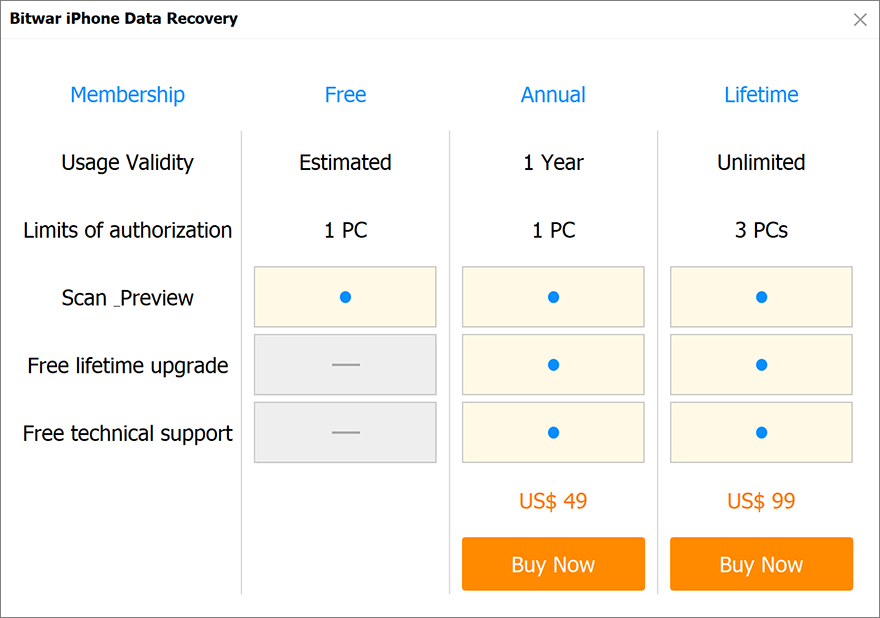
2. Choose Roczny or Życie package according to your requirements.
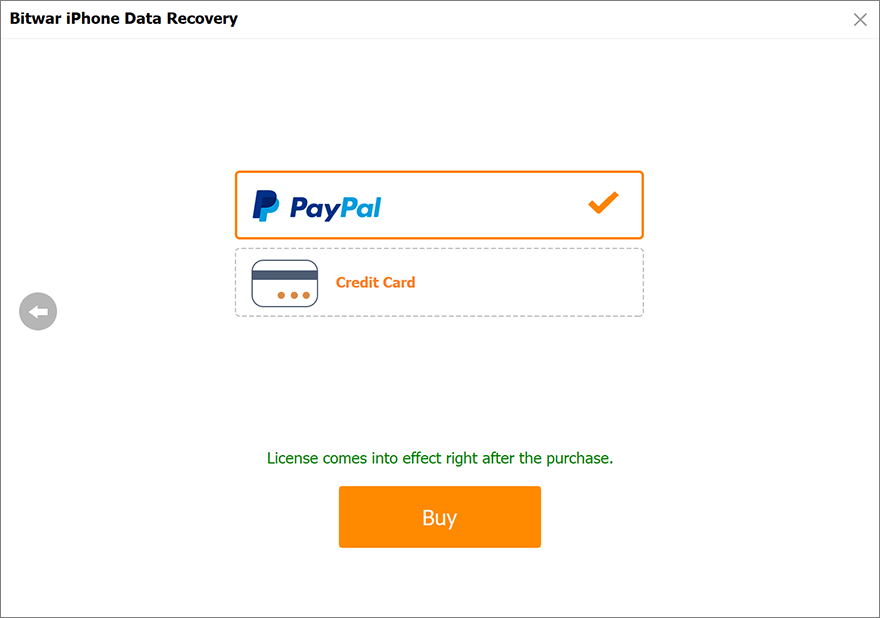
3. Choose the Payment Method and complete the transaction.
Official Online Store
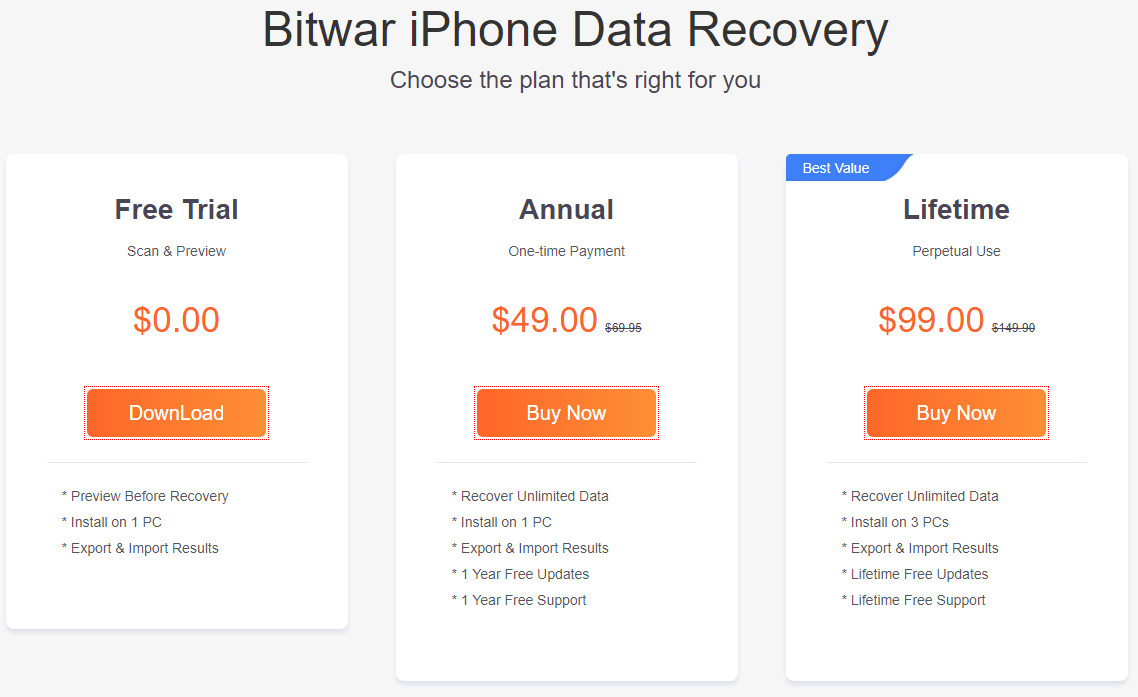
If you prefer a license code for software activation, you can then purchase the license code from the Official Online Store; users will receive the code in the email address after purchasing the software.
Notatka: Please check the Junk/Spam or Inbox for the license code from the Bitwar support team.
After getting the license code, we can then move to the next step activating the software using this code.
Steps to Activate the Bitwar iPhone Data Recovery
Step 1: Launch the software and log in. If you don’t have an account, please create one.
Step 2: Click on More Menu and choose Activate.
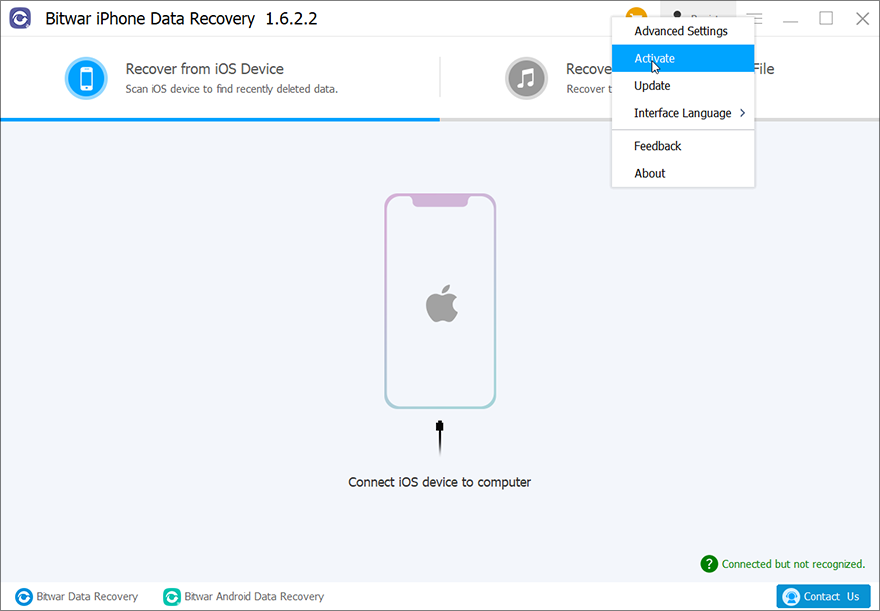
Step 3: Copy the License Code from the email and paste it into the blank space.
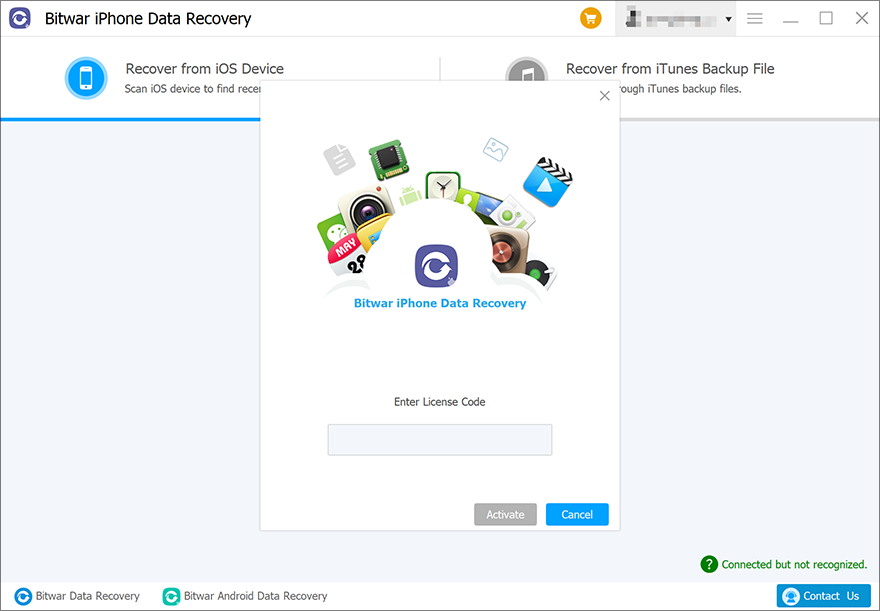
Step 4: Click Activate to activate the software.
Step 5: The activation code has been bound to your VIP account now and all you need to do is log in to this VIP account on your computer in the future.
How to Check License Validity Time
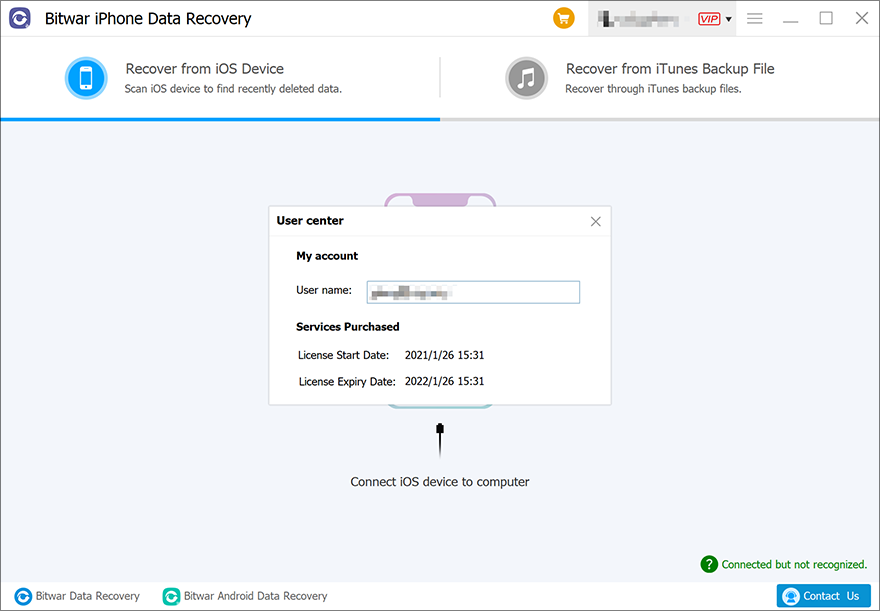
Users can check the license validity time in this way: Click on your username > My account.
Software Update
Users can always get the latest version of the software after its release.
1. Launch Bitwar Odzyskiwanie danych iPhone'a.
2. Click on More Menu and choose Update.
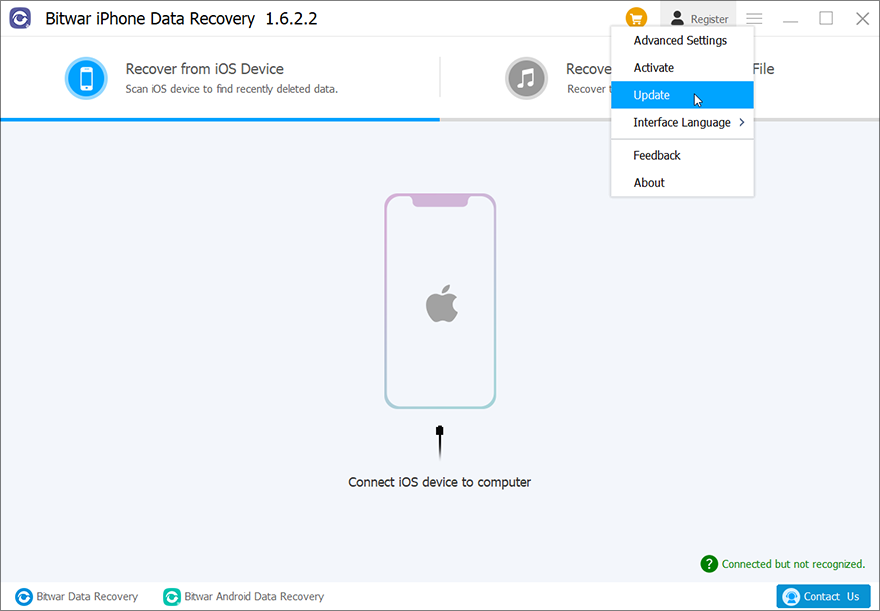
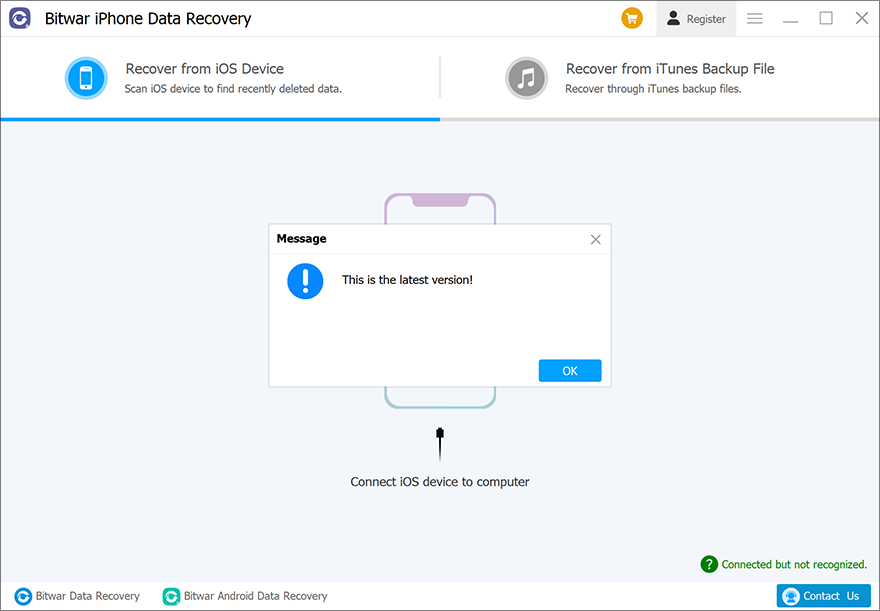
3. If there is a new version, follow the instructions to update the software. If not, there will be a message that reads, “This is the latest version”.