Get Started the Bitwar Video Repair
Last Updated: 2021-07-23
概要: This user guide will allow users to learn details about the Installation and Software Interface of Bitwar 視訊修復.
目錄
Download Software
Proceed to Software Download Homepage to download and install Bitwar Video Repair for free!
Software Installation
1. Open the BitwarVideoRepairtSetup to begin the software installation setup.
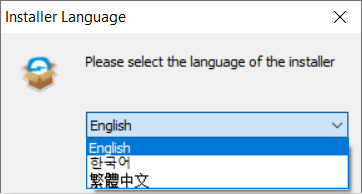
2. Select the default Software Language you need and hit 行.
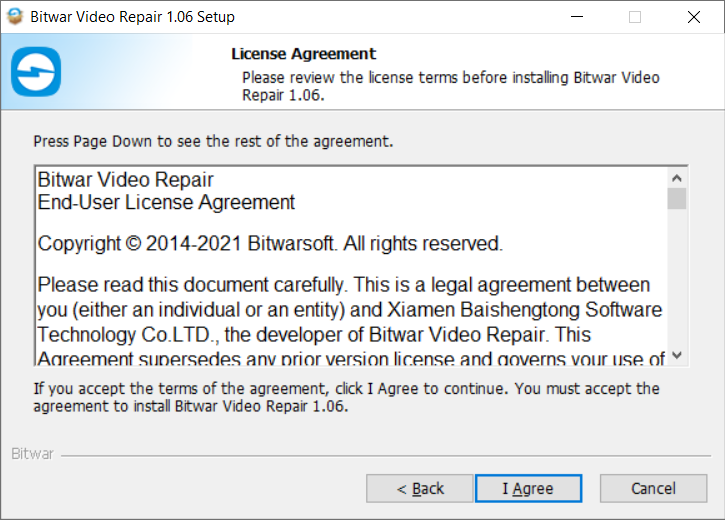
3. Click Next and choose I Agree to the License Agreement.
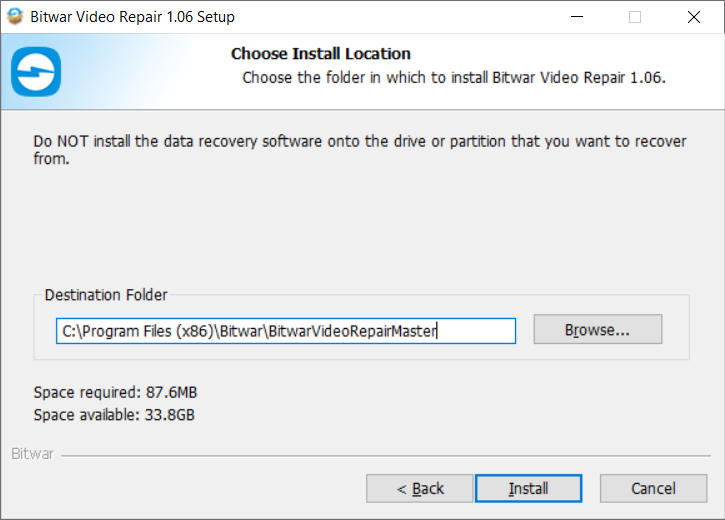
2. Browse the File Destination Location for video repair installation and click Install.
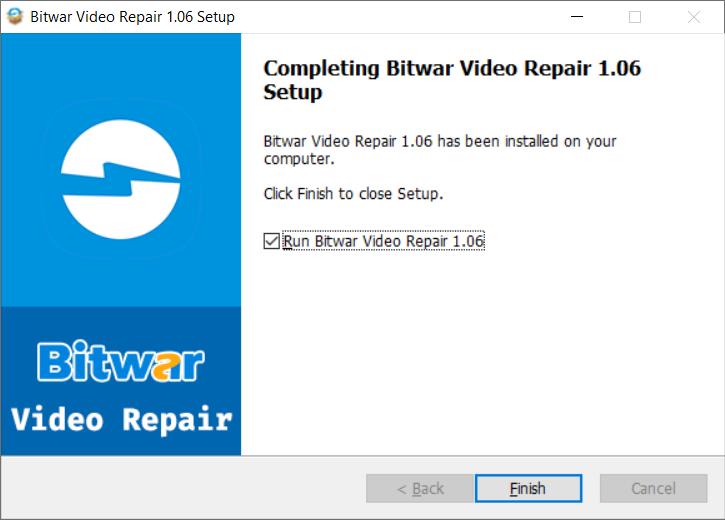
3. Click Finish to launch the software.
Get to Know about the Software Interface
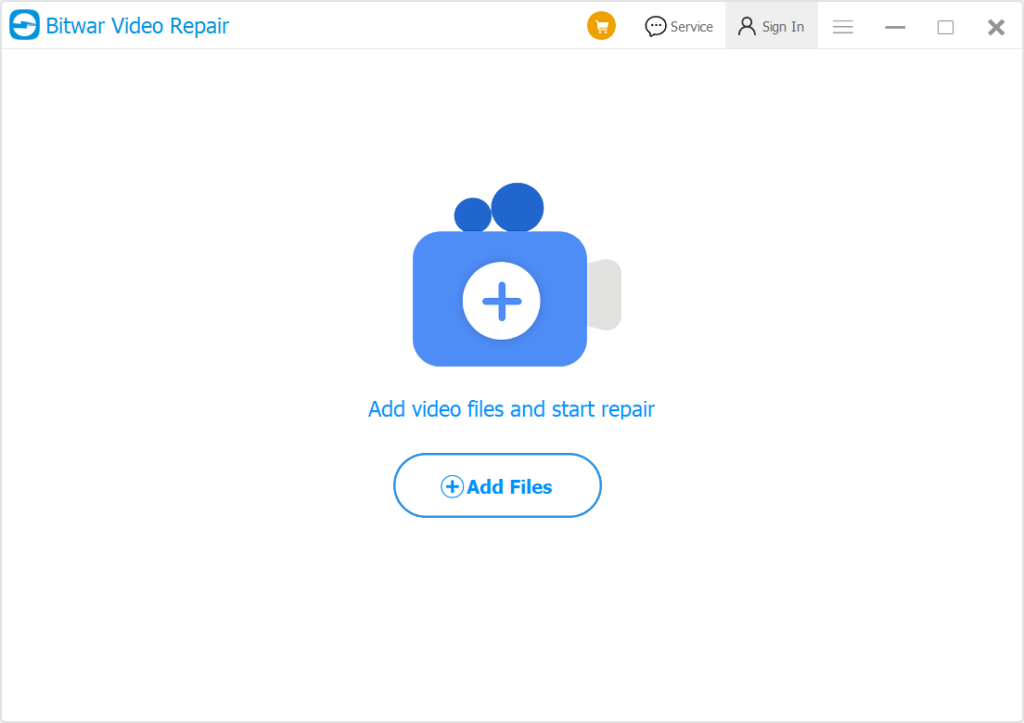
Main Interface
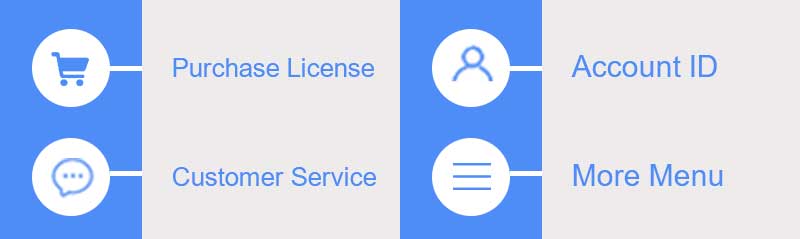
Interface Buttons
For the next step about the repair video file, click on the link:




