Best Video Repair Tool On Windows 10
Summary: Losing important videos due to corruption, can be a terrible thing for us. In this case, efficient video repair software is the only rescue. The article below will introduce the best video repair tool-Reparo de vídeo Bitwar para Windows 10!
Video repair software that supports all popular video file formats like MP4, MOV, AVI, 3GP, WEBM, WMV, etc. should be the main consideration when choosing the right video repair software.
Reparo de vídeo Bitwar é o software de reparo de vídeo mais poderoso da Internet para Windows 7, 8 e 10. Ele oferece suporte à maioria dos formatos de vídeo danificados e os usuários podem reparar o vídeo em apenas três etapas simples.
Table of Contents
Formatos de Vídeo
1. MP4
2. AVI
3. MOV
4. MTS
5. FLV
6. 3GP
7. MKV
8. AVIC
9. MXF
Reparar arquivos de vídeo
Antes de começar, prossiga para Bitwarsoft Download Center to download the video repair on a Windows computer.
Step 1: Open and Envio the arquivo de vídeo danificado no software.
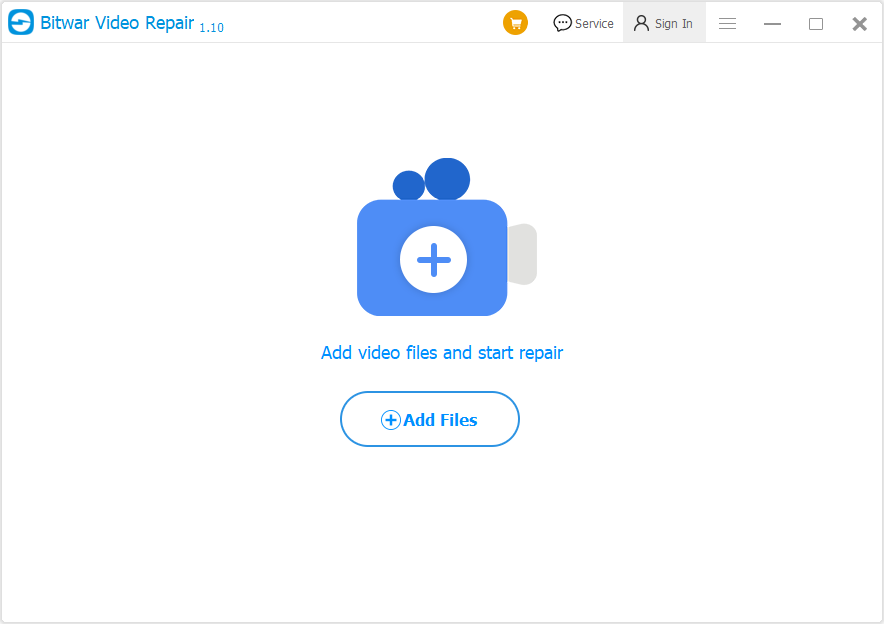
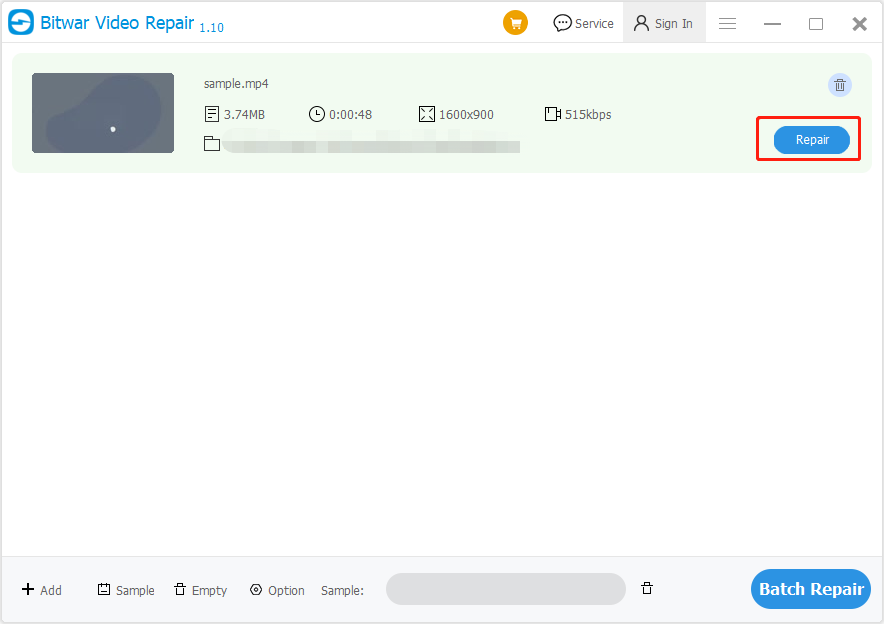
Step 2: Clique no Reparar botão e esperar pacientemente para que o vídeo seja concluído.
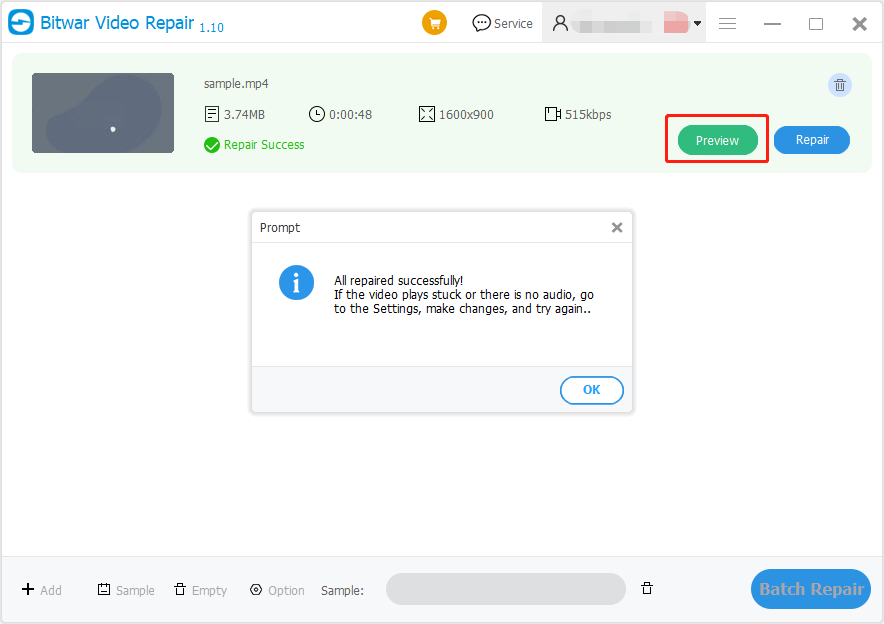
Step 3: Depois de reparar, clique no Antevisão menu para antevisão o novo arquivo de vídeo reparado!
Melhor ferramenta de reparo de vídeo!
There are many repair tools on the Internet for us to choose from, however, Reparo de vídeo Bitwar is the best because of its efficient and compatible system for any Windows operating system which includes Windows 7, 8, and 10!
Previous Article
[FREE] How To Repair Corrupted MP4 Video Files Summary: Losing important videos due to corruption, can be a terrible thing for us. In this case, efficient video repair...Next Article
How To View Installed Drivers On Windows 10 Summary: Losing important videos due to corruption, can be a terrible thing for us. In this case, efficient video repair...
Sobre o Bitwar Video Repair
Batch repair all sorts of damage and corrupt video files from any recording devices.
Learn More



