비디오의 워터마크를 제거하는 방법
개요: If you’re wondering how to remove watermarks from short video platforms, read on. In this article, we will introduce you to how to remove watermarks from videos using Bitwar 워터마크 전문가.
목차
How to Forward Videos without Watermarks
With the explosion of short video platforms, more and more people are keen to shoot short videos on various platforms, such as TikTok, Snapchat, Instagram, YouTube Go. But all applications add watermarks to every video you post on the platform.
So, if you forward a video from one platform to other platforms, the forwarded video will remain the corresponding watermark of the original platform. Many people blur or mosaic the watermark part. However, what you want is to remove the watermark without masking so that the video looks like there was never a watermark.
Well, we have what you need: Bitwar Watermark Expert. You don’t have to waste precious time looking for and removing watermarks in your video frame by frame using it. And you can use to easily remove watermarks from videos and easily cross-publish them to other platforms.
Removing Unwanted Watermarks from Video
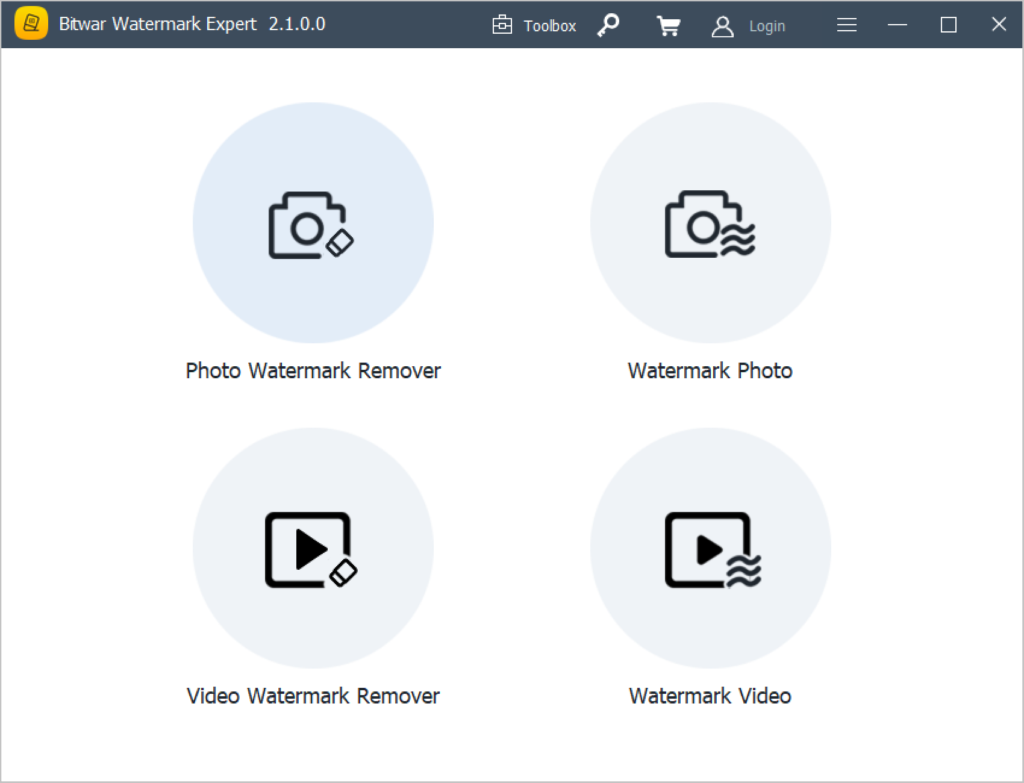
- Run the software, and choose the Video Watermark Remover tool from the primary interface.
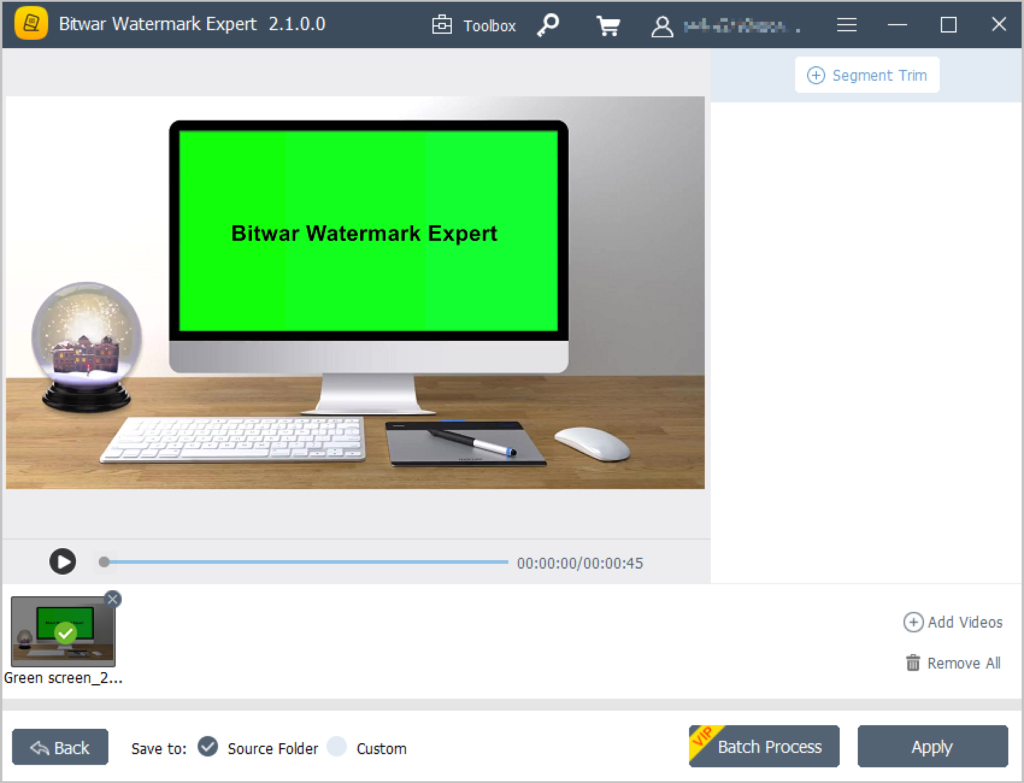
- Add in the videos you want to remove watermarks from, then click 세그먼트 트림 in the upper right corner.
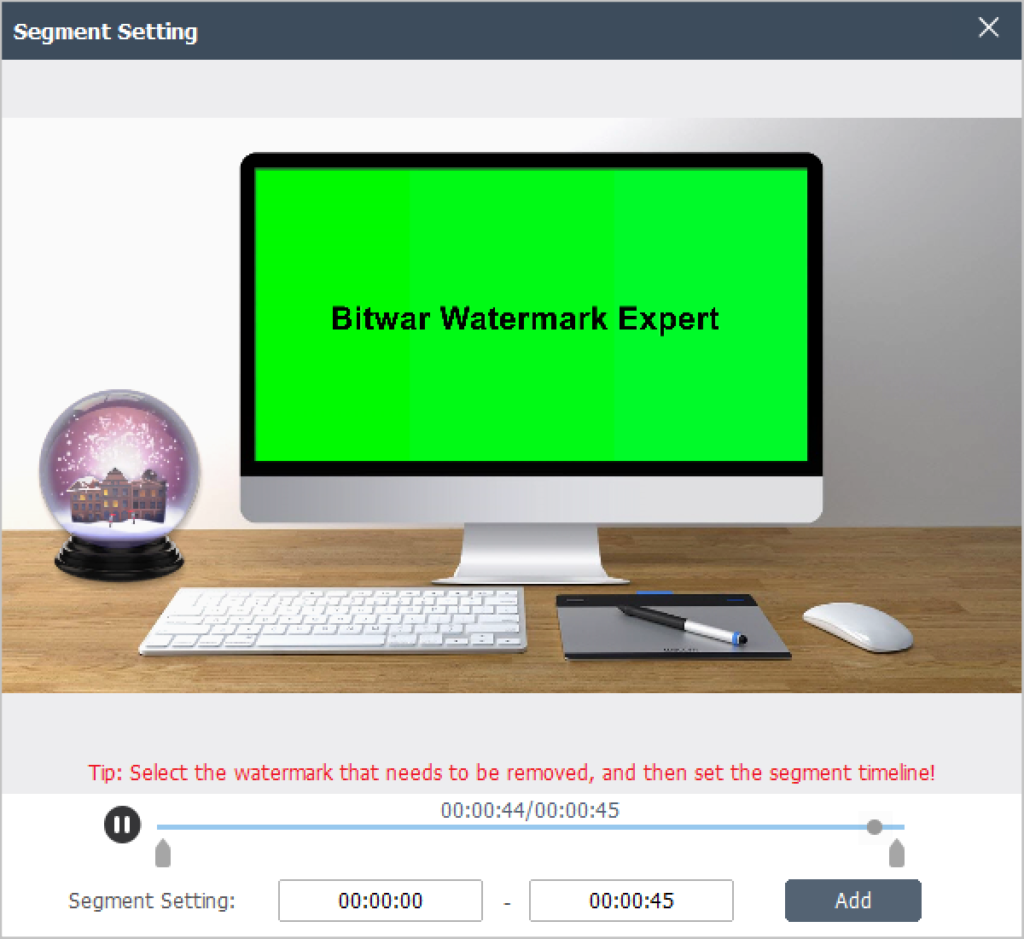
- Box to select the unwanted watermark, then click Add and 적용. By default, the watermark of the entire video is removed, so there is no need to set the segment timeline.
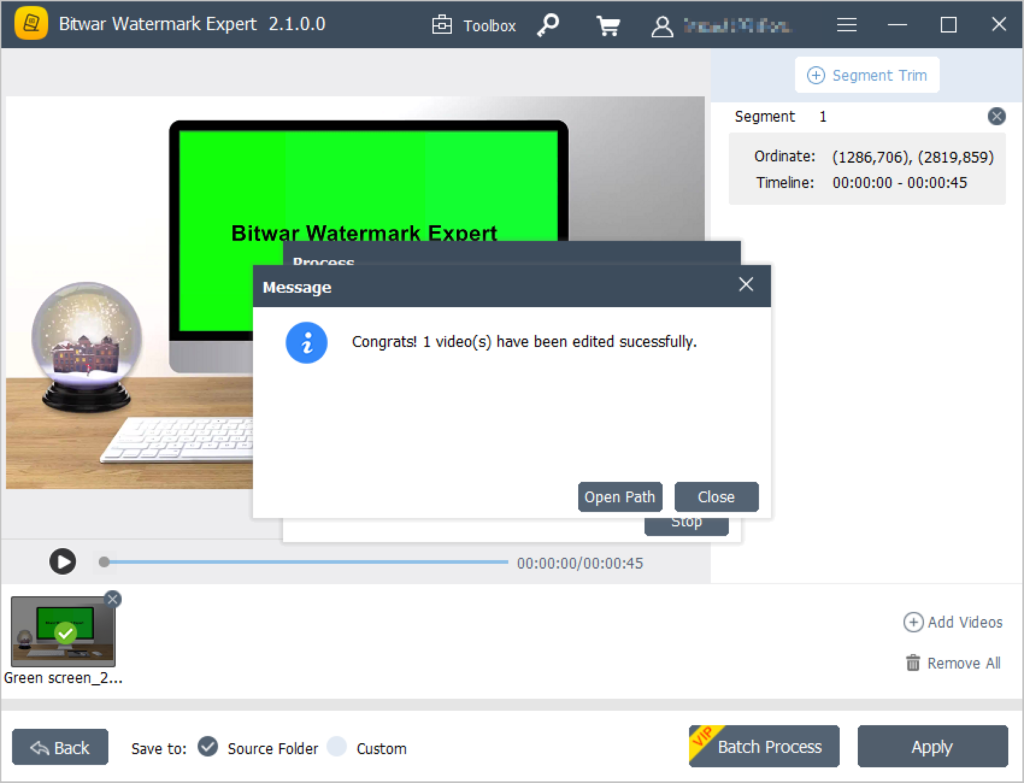
- After the process finishes, click Open Path to view the new video.
Try It Now!
With the help of Bitwar 워터마크 전문가, we can remove the watermarks from videos easily and cross-publish them to other platforms. Moreover, it also provides multiple types of watermark tools such as Watermark Photo, Watermark Video, Photo 워터마크 제거제, Video Watermark Remover, and Batch mode too!
As long as related to watermarks, the operation can be completed with this software. So try it now!
이전 기사
[FIXED] Data Error (Cyclic Redundancy Check) Summary: If you're wondering how to remove watermarks from short video platforms, read on. In this article, we will introduce...다음 기사
Convert MP4 To MP3 Using Best Video Converter Summary: If you're wondering how to remove watermarks from short video platforms, read on. In this article, we will introduce...
Bitwar 워터마크 전문가 정보
Batch remove unwanted objects from images & videos or add text & image watermark to copyright protect your contents.
더 알아보기



