Začněte Bitwar Data Recovery
Shrnutí: Tato uživatelská příručka umožní uživatelům dozvědět se podrobnosti o instalaci a rozhraní Bitwar software pro obnovu dat.
Obsah
Video tutoriál
Stáhněte si software
Go to the Software Official Download Page and download Bitwar Software pro obnovení dat for Win Version.
Instalace softwaru
1. Double-click the Bitwar Setup and start the installation.
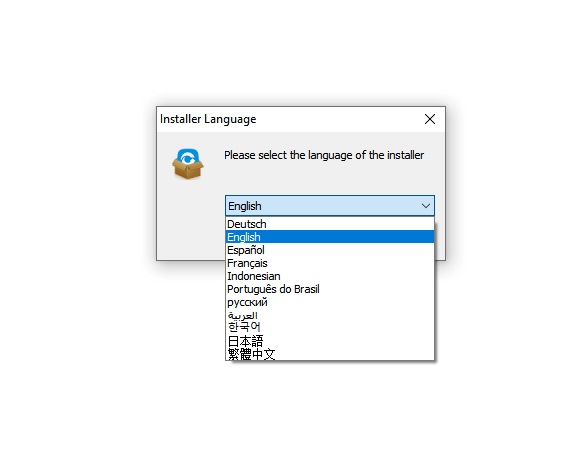
2. Choose the Default Language and click OK.
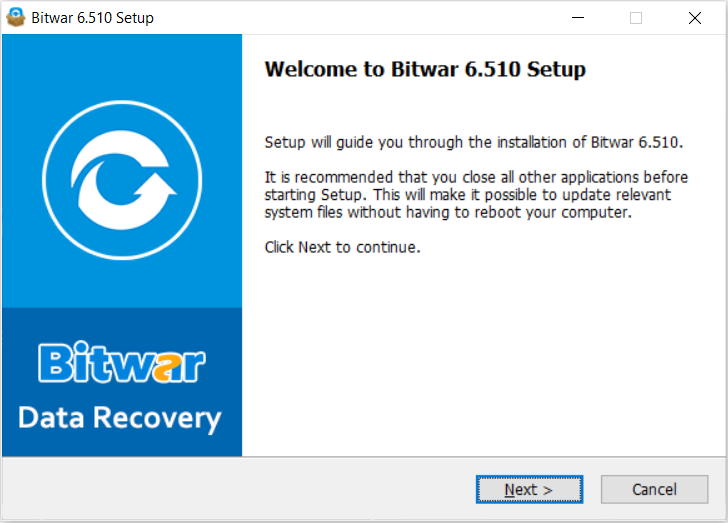
3. Setup will start, continue with Další to the License Agreement.
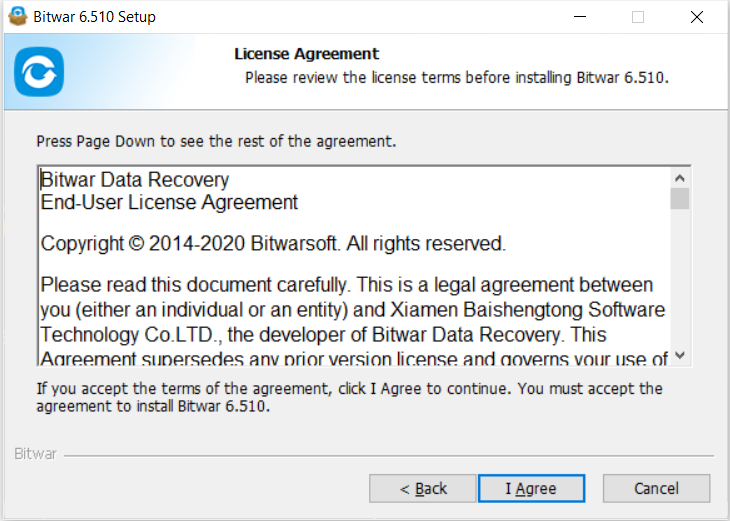
3. Read through the License Agreement. Then, finished with I Agree.
4. A warning message will show “Do NOT install the data recovery software onto the drive or partition that you want to recover them.” and press OK.
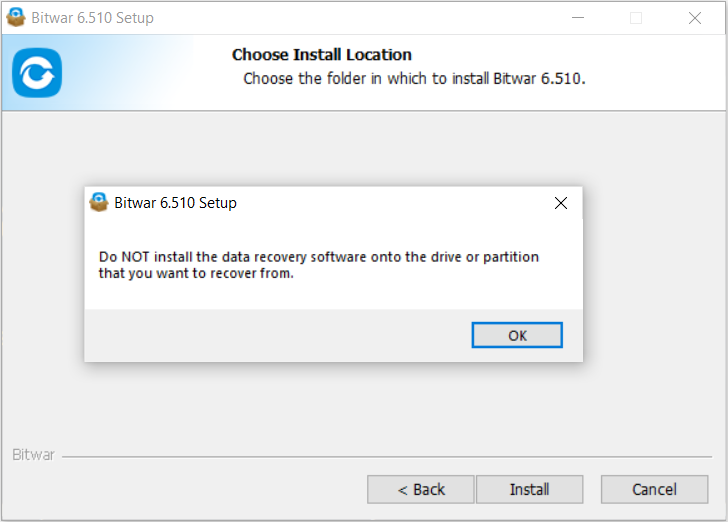
5. Browse the Destination Folder for the software.
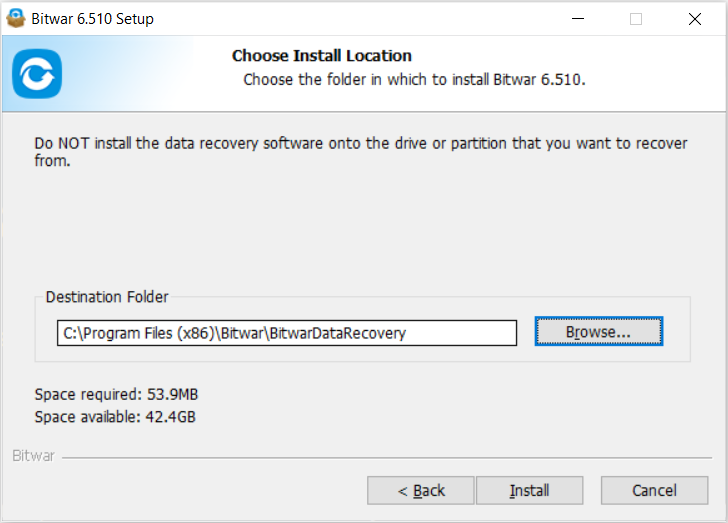
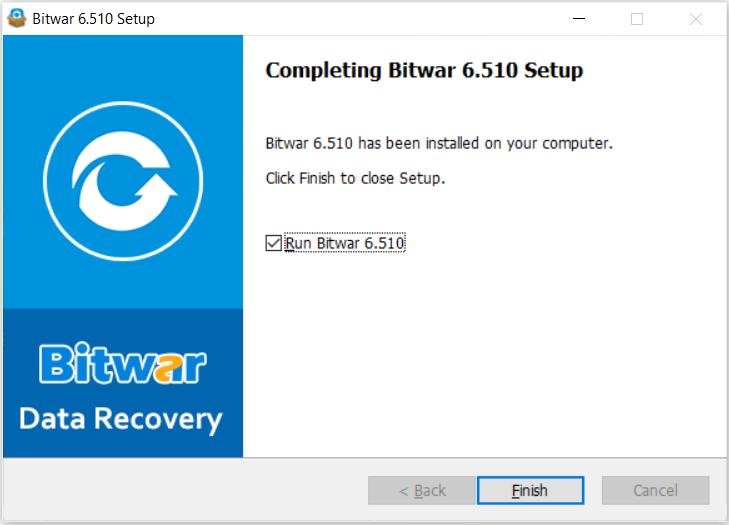
6. Finally, click Install and Finish to complete the installation.
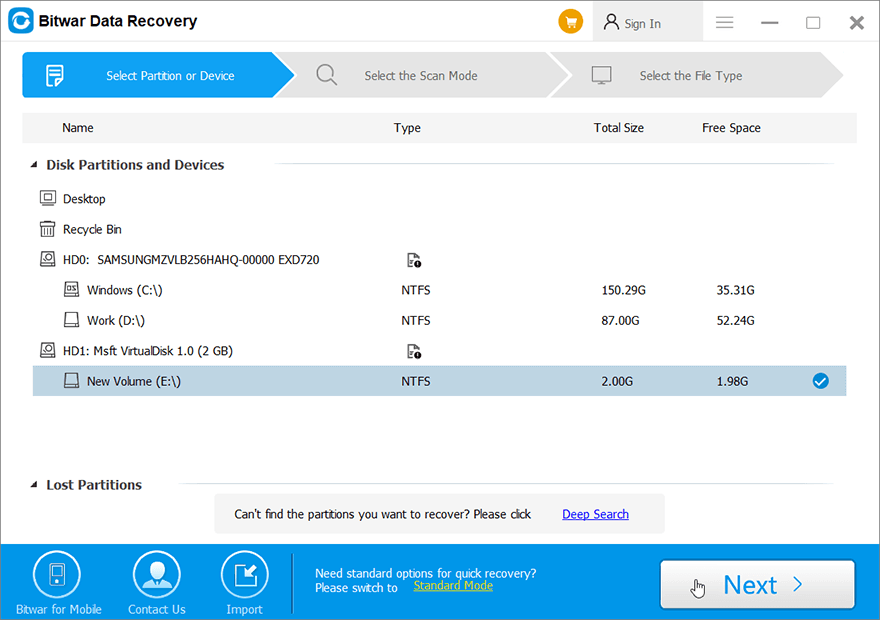
Get to Know about the Software Interface
The main interface of Bitwar Data Recovery Software is easy-to-use and well-designed for all users to use.
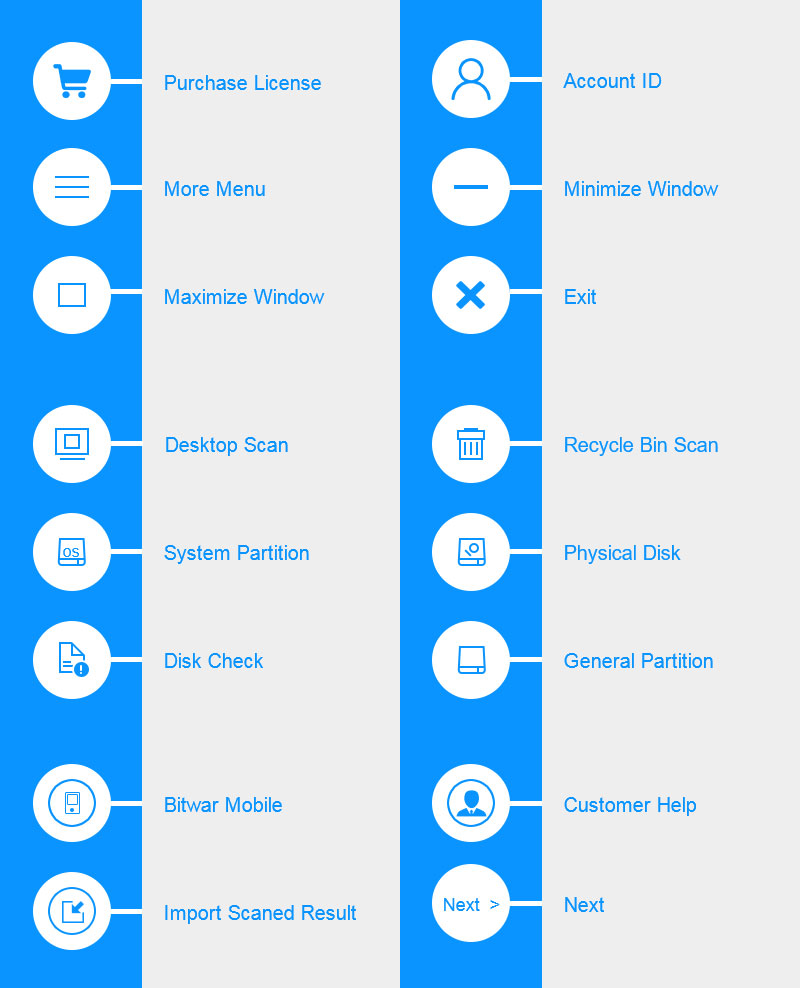
Software Buttons
Here are the buttons and icons that users will encounter in Bitwar software pro obnovu dat:
For the next step about the two recovery modes, click on the link:





