
ウィンドウズ
  • Bitwar データ復旧
  • Bitwar iPhone リカバリ
  • Bitwar Android リカバリ
  • Bitwar ビデオ修復
  • Bitwar ドキュメントの修復
  • Bitwar DLL フィクサー
  • Bitwar Cleaner
  • Bitwar PDF コンバーター
  • Bitwar テキスト スキャナー
  • Camrioビデオコンバーター
  • Camrio透かしの専門家
  • Bitwar HEIC コンバーター
  • Bitwar Renamer
  • Camrioスクリーンレコーダー
マック
  • Bitwar データ復旧
  • Bitwar iPhone リカバリ
  • Bitwar HEIC コンバーター
iOSの
  • マジック フォト ボールト
  • Bitwar テキスト スキャナー
アンドロイド
  • Bitwar Android リカバリ
  • Bitwar テキスト スキャナー
  • マジック フォト ボールト
  • 製品
  • ダウンロード
  • 店
  • チュートリアル
  • サポート
  • ホーム
  • マウス
  • 利点
  • ダウンロード

Bitwar Image Enlarger

AI upscale the images from 2x to 1024x
with the optimized image qualities.

WIN VERSION

画像ファイルアップスケーリングおよび最適化されたコンピリオン

詳細については、マウスを動かしてください

動物 人間 建物 風景 食べ物 写真
前
後に

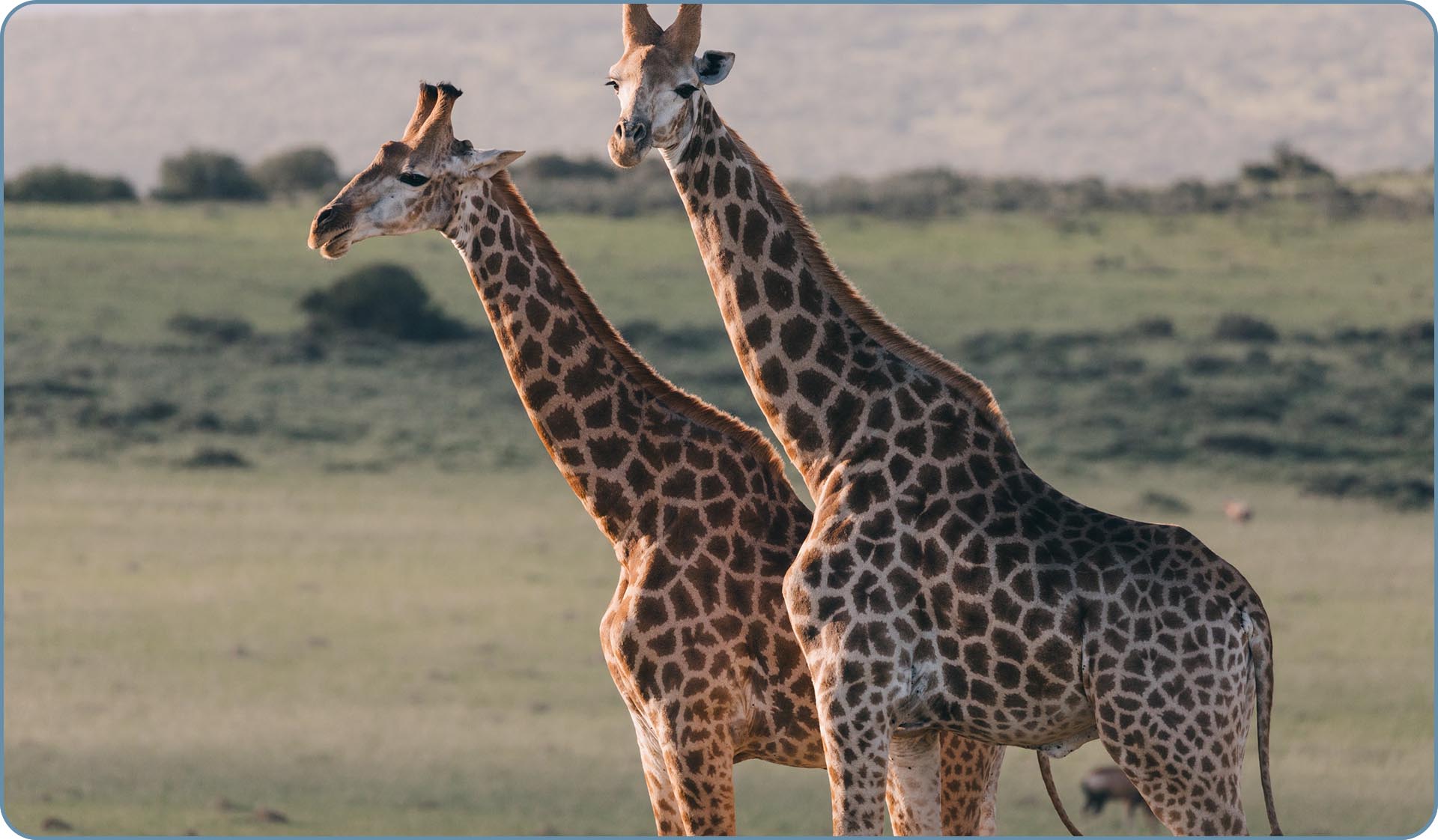
Bitwarを使用して画像を拡大すると、ソフトウェアはそれをスキャンし、何を理解していますか
the object is, and then draws the rest of the pixels. As a result, you get an adjusted,
high-quality photo with the desire image resolution.

私たちの利点

The common method uses bilinear interpolation which predicts new pixels, that is the reason why the enlarged image becomes blurry, while Bitwar Image Enlarger only apply artificial intelligence technique to create new pixels that make the final image look natural.
ユーザーガイド

  • 画像を拡大する方法
  • Bitwar Image Enledargerを開始します
  • ソフトウェアの購入、アクティベーション、更新
  • 詳細>>>

今すぐ無料ダウンロードBitwar Image Enledarger!

AI最適化された画像品質を備えた画像をアップスケールします。

WINバージョン

会社

  • 約
  • ニュース
  • アフィリエイト

製品

  • 店
  • ダウンロード
  • アンインストールする

知識ベース

  • Windowsデータ回復
  • MACデータ回復
  • iPhoneデータリカバリ
  • ファイル修復ツール
  • AI画像編集

サポート

  • 連絡
  • よくある質問
  • サブスクリプションをキャンセルする

私たちに従ってください

利用規約 | プライバシーポリシー | クッキーのプライバシー | ライセンス契約
著作権 © 2014 - Bitwarsoft Limited 無断転載を禁じます。
  • English
  • Portuguese
  • German
  • French
  • Japanese
  • Polish
  • Russian
  • Chinese Traditional
  • Arabic
  • Spanish