Beginnen Sie mit der Bitwar-iPhone-Datenwiederherstellung
Zusammenfassung: This article tells users how to install Bitwar iPhone -Datenwiederherstellung for Windows version and introduces the main interface.
Inhaltsverzeichnis
Herunterladen
Click on the link Offizielle Software-Downloadseite and download Bitwar iPhone Data Recovery for Win version.
Installation
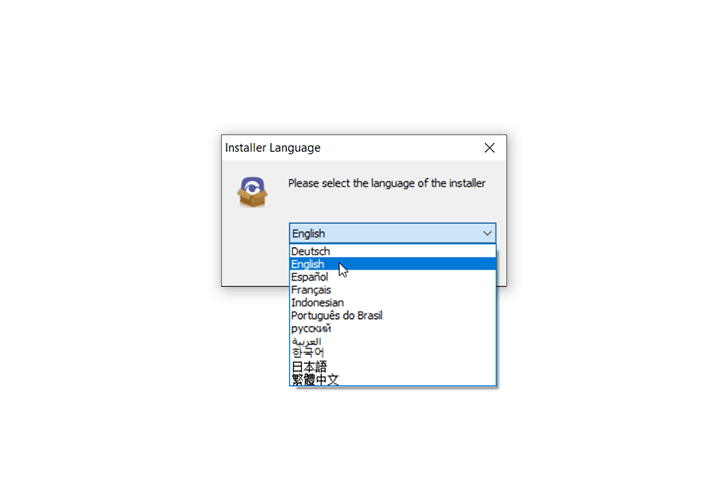
Step 1: Double-click on the setup package to start the installation and then select a default language and click on Ok.
Step 2: Next > Choose a destination to store the program > Installieren > Finish
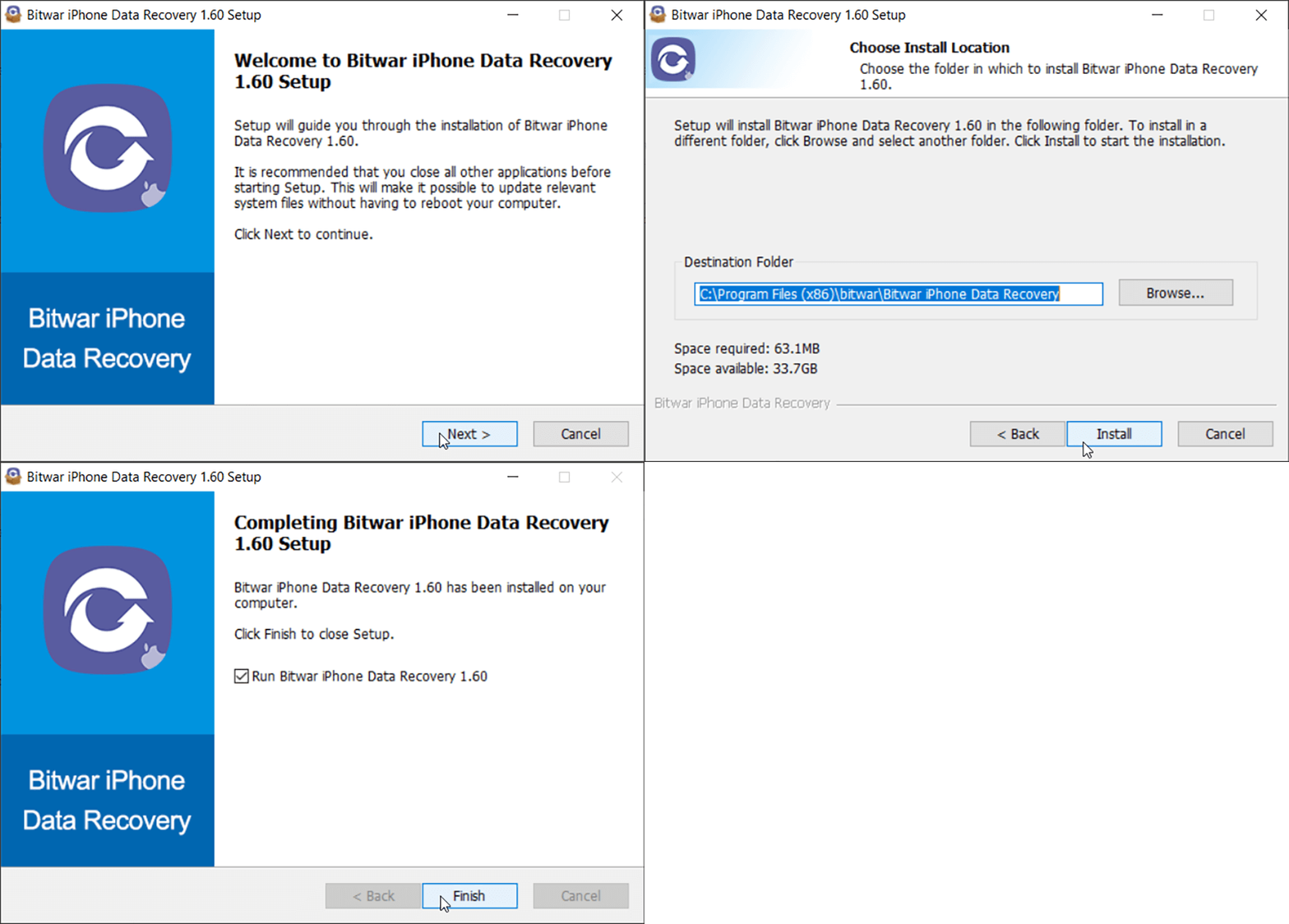
Now that you have successfully installed the Bitwar iPhone -Datenwiederherstellung for Windows, let’s look at the primary interface.
Notes: Please make sure you have installed iTunes prior to starting the scan. If you don’t, please visit this URL to download iTunes and install it. * Scroll the screen and navigate to Looking for other versions? Click on Fenster to download.
Hauptschnittstelle
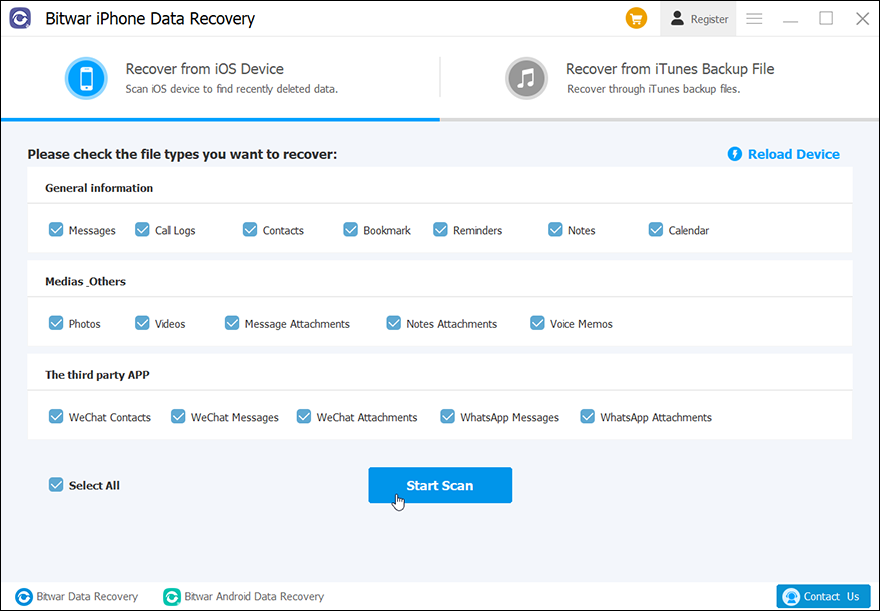
Featured Buttons
- The Yellow Cart is where users can purchase the software license (In-software Purchase).
- The Avatar Icon is where users can register, login/out, reset their passwords, and see account information.
- The More Icon shows Export setting, Update, Interface Language, FeedbackUnd Über.
Two Recovery Modes
Please refer to the next tutorial to know more about the two recovery modes: Recover from iOS Device und Recover from iTunes Backup File.
Machen Sie sich mit den beiden Wiederherstellungsmethoden vertraut





