Get Started the Bitwar iPhone Data Recovery
Περίληψη: This article tells users how to install Bitwar iPhone Data Recovery for Windows version and introduces the main interface.
Πίνακας περιεχομένων
Λήψη
Click on the link Επίσημη σελίδα λήψης λογισμικού and download Bitwar iPhone Data Recovery for Win version.
Installation
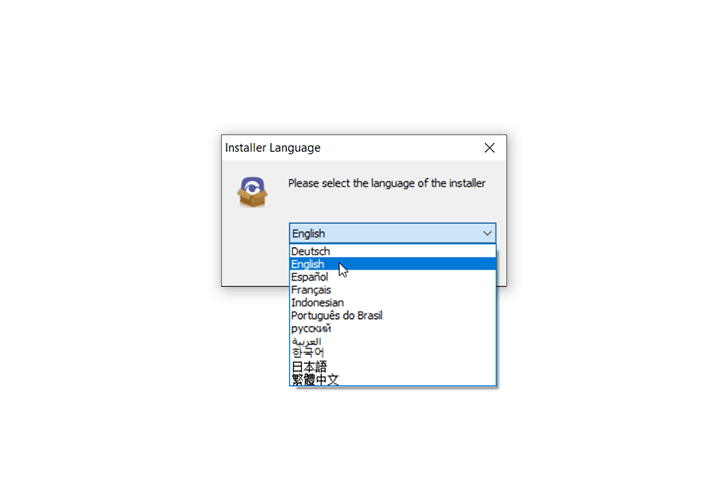
Step 1: Double-click on the setup package to start the installation and then select a default language and click on OK.
Step 2: Next > Choose a destination to store the program > Εγκαθιστώ > Finish
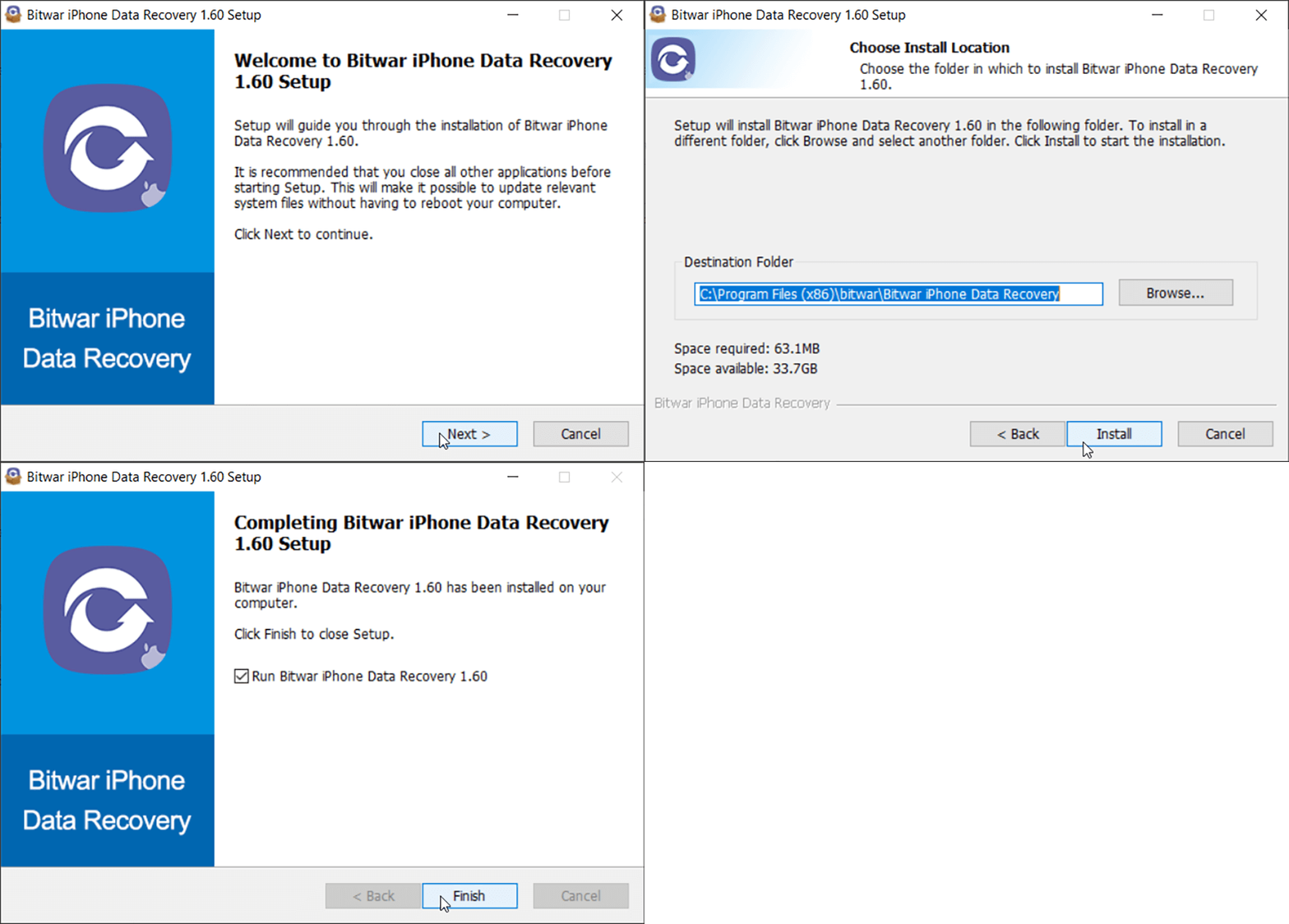
Now that you have successfully installed the Bitwar iPhone Data Recovery for Windows, let’s look at the primary interface.
Notes: Please make sure you have installed iTunes prior to starting the scan. If you don’t, please visit this URL to download iTunes and install it. * Scroll the screen and navigate to Looking for other versions? Click on των windows to download.
Main Interface
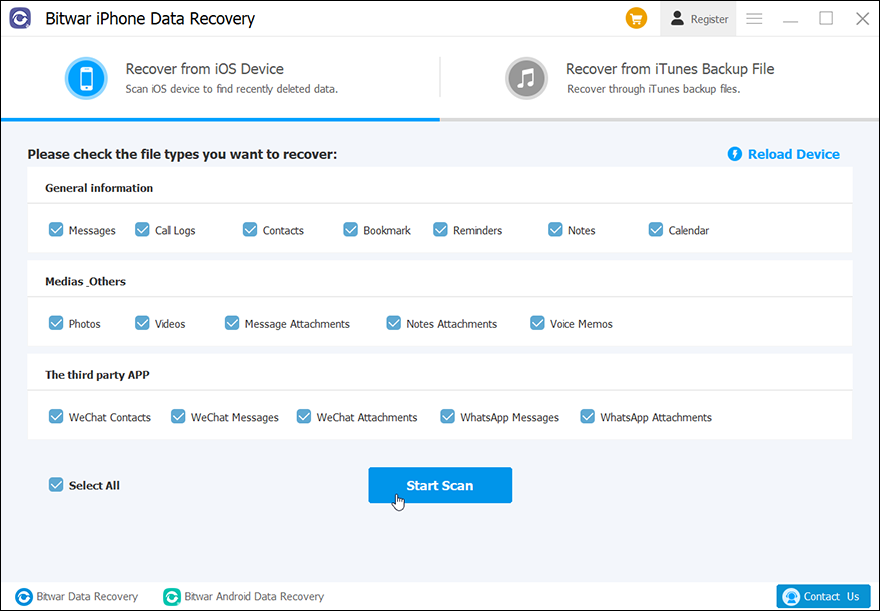
Featured Buttons
- The Yellow Cart is where users can purchase the software license (In-software Purchase).
- The Avatar Icon is where users can register, login/out, reset their passwords, and see account information.
- The More Icon shows Export setting, Update, Interface Language, Feedback, and Περίπου.
Two Recovery Modes
Please refer to the next tutorial to know more about the two recovery modes: Recover from iOS Device και Recover from iTunes Backup File.





