How to Convert AVI to MP4 Format
Zusammenfassung: This article shares the best way to convert Avi to Mp4 format with Bitwar Video Converter.
Inhaltsverzeichnis
Introducing Bitwar Video Converter
The Bitwar-Videokonverter can convert multiple video formats into different formats in a single conversion process, including formats: QSV, QLV, KUX to MP4, AVI, MKV, FLV, WMV, MOV, GIF. Just add files, convert them, and preview them to the format you want in three steps. The software allows you to save the converted video you want in a selected location on a PC, memory card, SD card, etc.
How to Convert AVI to MP4
Because the conversion steps for other video formats are the same, just follow the steps below to easily convert videos.
Download Bitwar-Videokonverter and install it on your Windows computer.
Step 1. Click on Choose file button. Click Choose File to add Avi video files, here also you can add multiple files for conversion.
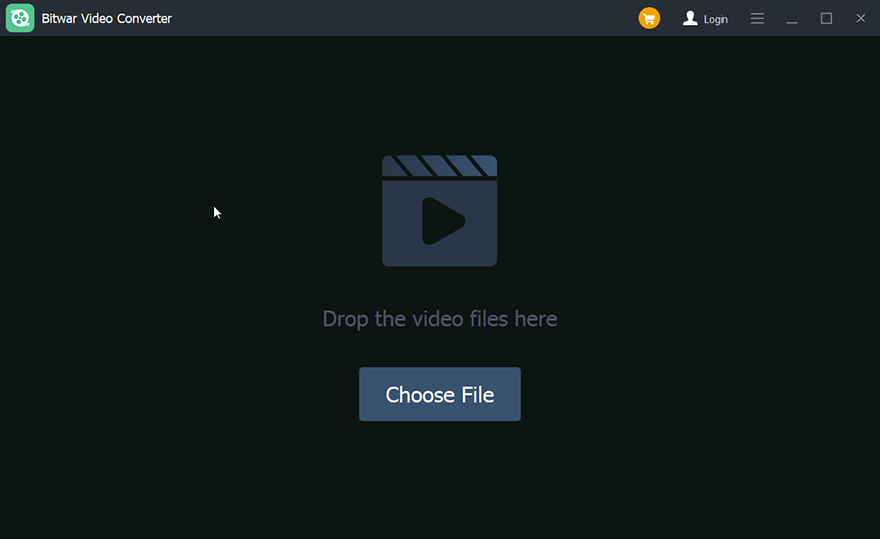
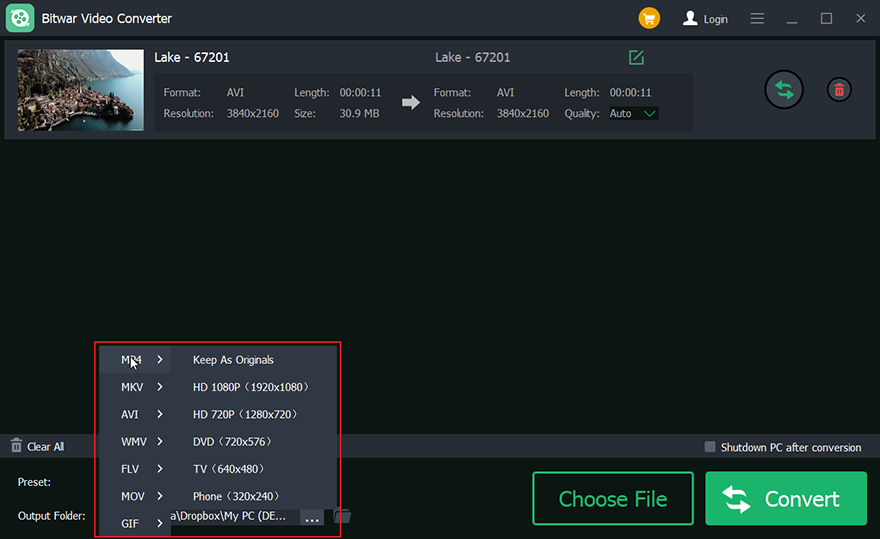
Step 2. Select output format at the below-left.
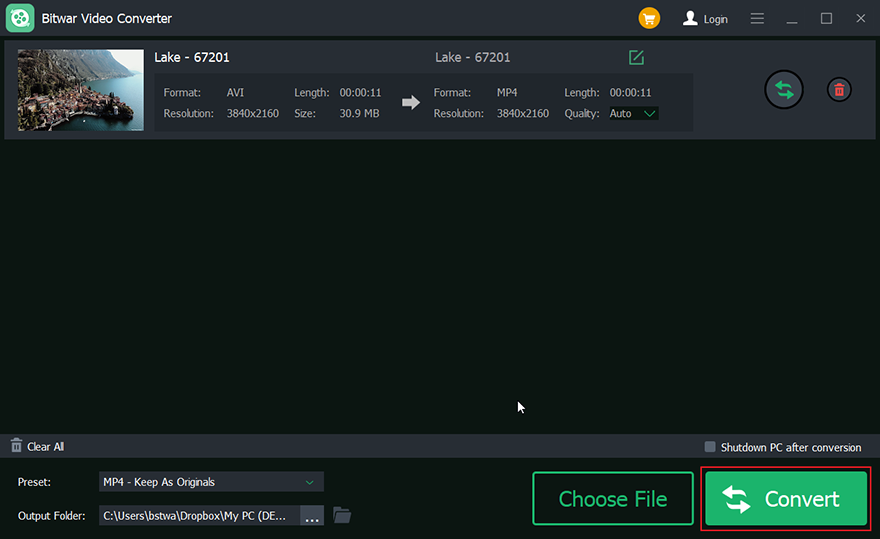
Step 3. Click on the convert button.
Step 4. Vorschau the new video.

Abschluss
There are many video converters, and we have selected the best video converters for Windows. That is, Bitwar-Videokonverter! It is easy to use and suitable for beginners, which provides high-quality video output, converts video files quickly and provides a series of input and output formats. Free download Bitwar-Videokonverter Now!
Vorheriger Artikel
[FIXED] Online Video Converter Not Working On Windows Issue Summary: This article shares the best way to convert Avi to Mp4 format with Bitwar Video Converter. WIN VERSION Introducing...Nächster Artikel
Get Started the Bitwar Video Converter Summary: This article shares the best way to convert Avi to Mp4 format with Bitwar Video Converter. WIN VERSION Introducing...
About Bitwar Video Converter
Batch convert all popular video files, including protected formats: QSV, QLV, KUX to MP4, AVI, FLV, WMV, MKV, MOV, GIF.,etc.
Learn More



