Begin met de Bitwar -video -reparatie
Laatst bijgewerkt: 2021-07-23
Samenvatting: Met deze gebruikershandleiding kunnen gebruikers details leren over de installatie- en software -interface vanBitwar-videoreparatie.
Inhoudsopgave
Download software
Gaan naar Software Download Homepageom te downloaden en te installerenBitwar Video Repair GRATIS!
Software -installatie
1. Open de Bitwarvideorepairtsetup Om de software -installatie -instelling te starten.
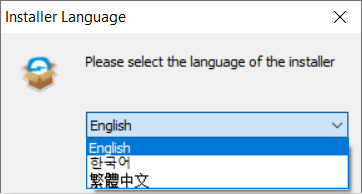
2. Selecteer de standaardSoftwaretaal Je hebt en raakt nodig OK.
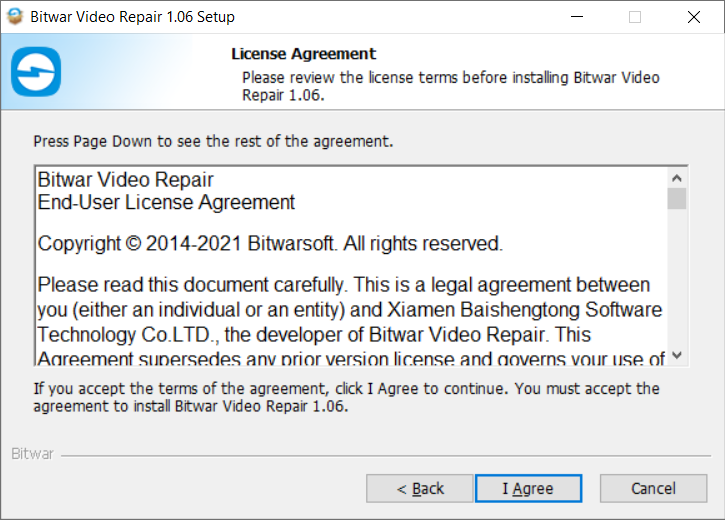
3. KlikVolgende en kies Ik ben het eens naar de licentieovereenkomst.
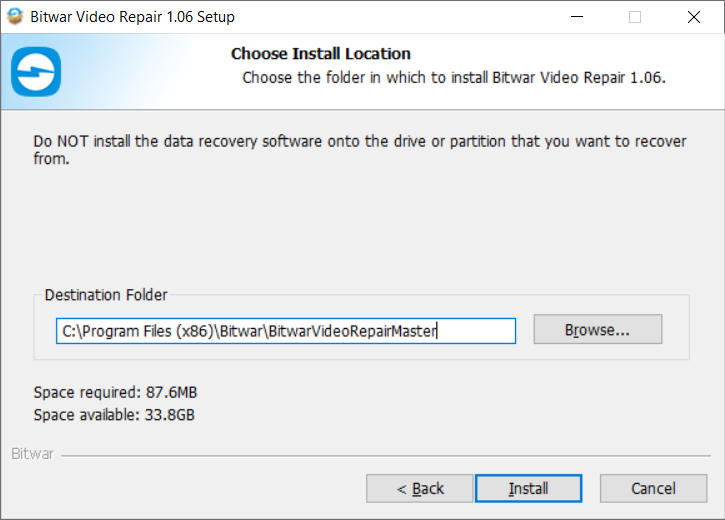
2. Blader door deBestemmingslocatie voor installatie van video -reparatie en klik Installeren.
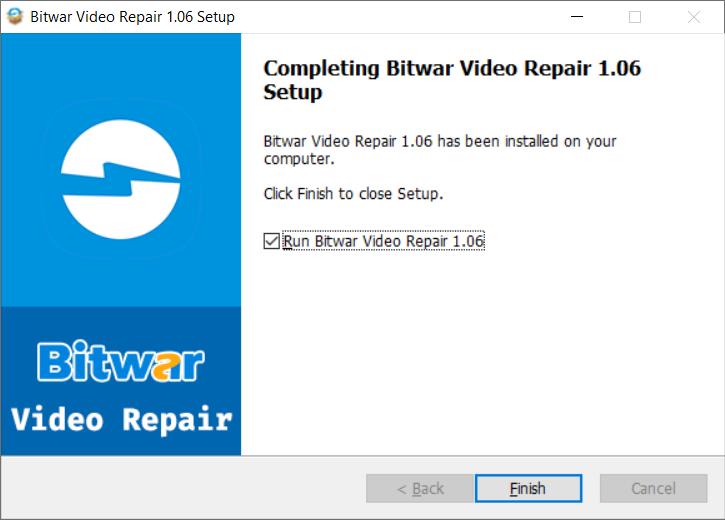
3. Klik Afwerkingom de software te starten.
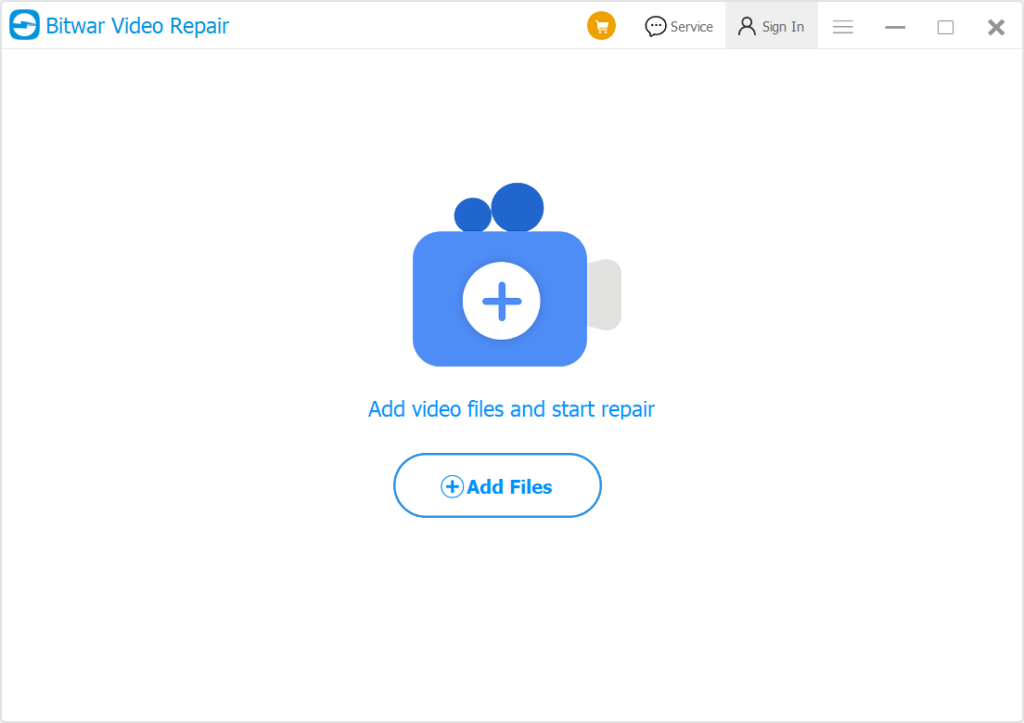
Maak kennis met de software-interface
Hoofdinterface
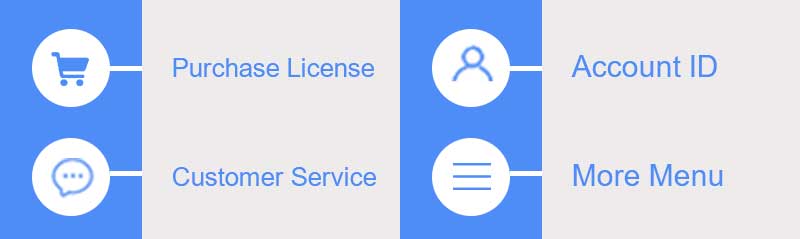
Interfaceknoppen
Klik voor de volgende stap over het reparatievideo -bestand op de link:




