Repair Video File
Summary: This article will share the way to repair the Corrupted Video Files By using the Bitwar-videoreparatie.
Table of Contents
What is Video Repair?
Video Repair enables you to repair damaged or damaged video files in certain devices, such as flash drives, memory cards, hard drives, and external hard drives. Do you know what causes the video to be corrupted or damaged? Some of the most common causes of video corruption or damage are file format changes, file header corruption, inappropriate system shutdown, files can not be read or write, virus attacks, and incomplete download and compression issues.
How to Repair Corrupted Video Files Using Bitwar Video Repair?
Bitwar-videoreparatie enables you to repair various damaged and damaged video files, including MP4, MOV, MPEG, MJPEG, MTS, M2TS, M4V, MKV, AVI, AVCHD, WEBM, ASF, WMV, FLV, DIVX, 3G2, TS, 3GP, M4A, F4V, INSV from any type of recording equipment.
1. Any kind of video file format
Repair any video file format, such as MP4, M4V, MOV, AVI, 3GP, M2TS, MKV, MTS, FLV, INSV, etc.
2. Repareer onder geen enkele omstandigheid beschadigde video
De video was beschadigd tijdens het fotograferen, opnemen, transmissie, bewerken, conversie of verwerking.
3. Videobestanden van elke videorecorder
Repair Canon, Nikon, Sony, Panasonic, Olympus, JVC, Fujifilm, GoPro, DJI, Garmin en andere video's die niet kunnen worden gespeeld.
Stap om beschadigde videobestanden te repareren
Download Bitwar-videoreparatie van de website en geïnstalleerd op uw computer.
Stap 1. Dubbelklik om de Bitwar-videoreparatie hulpmiddel.
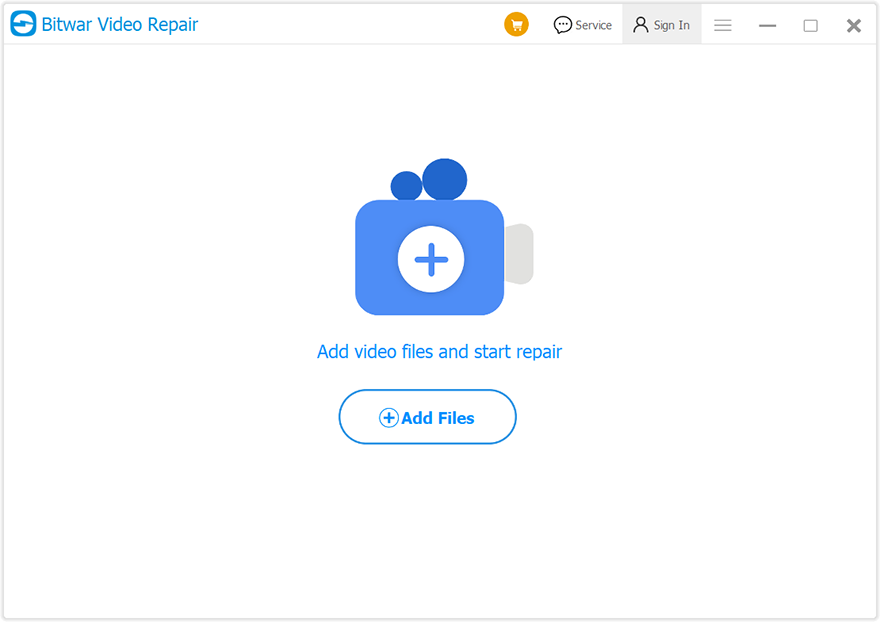
Stap 2. Klik Bestanden toevoegen om de beschadigde of beschadigde video te selecteren die u wilt.
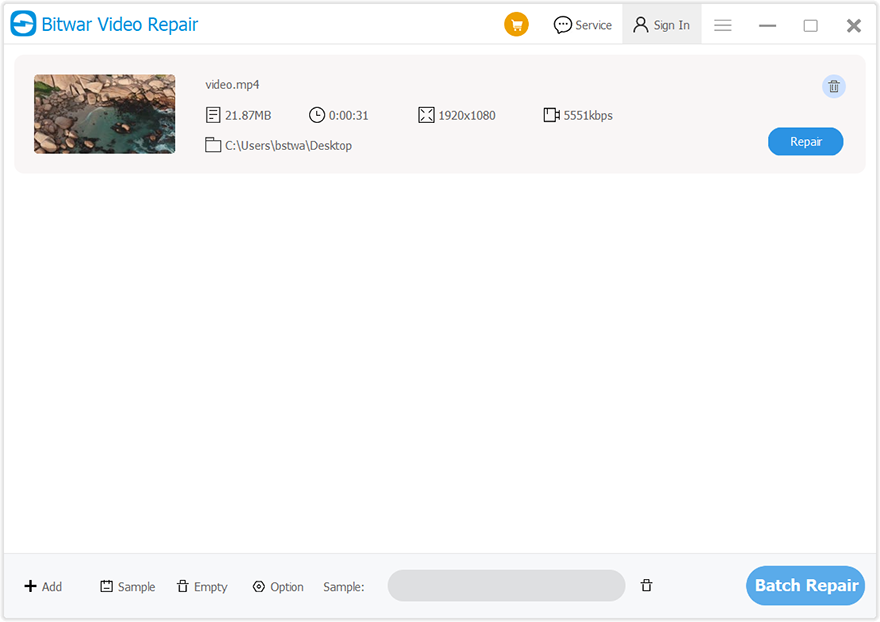
Stap 3. Na het selecteren van de video kunt u ook op de Toevoegen Om meer video's te selecteren batchreparatie Het.
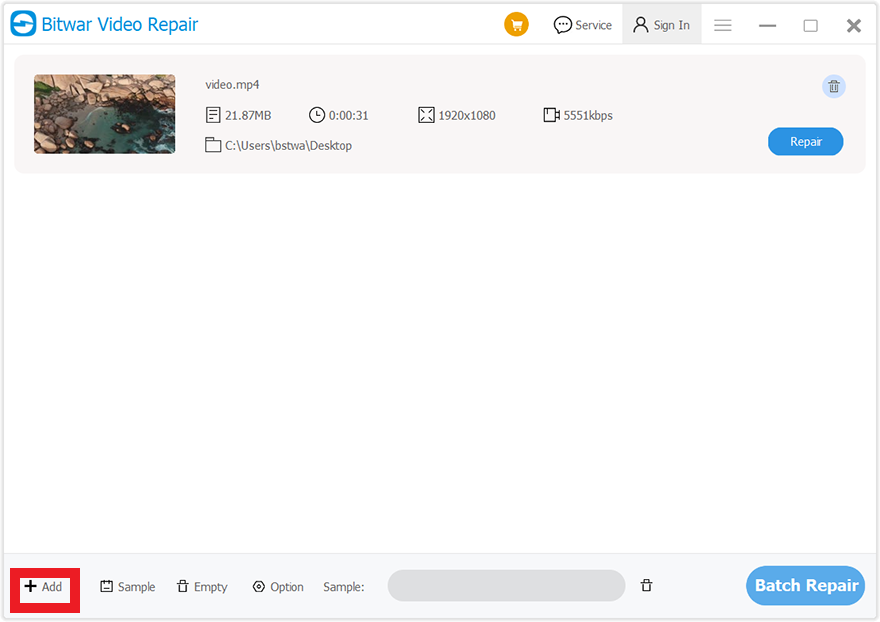
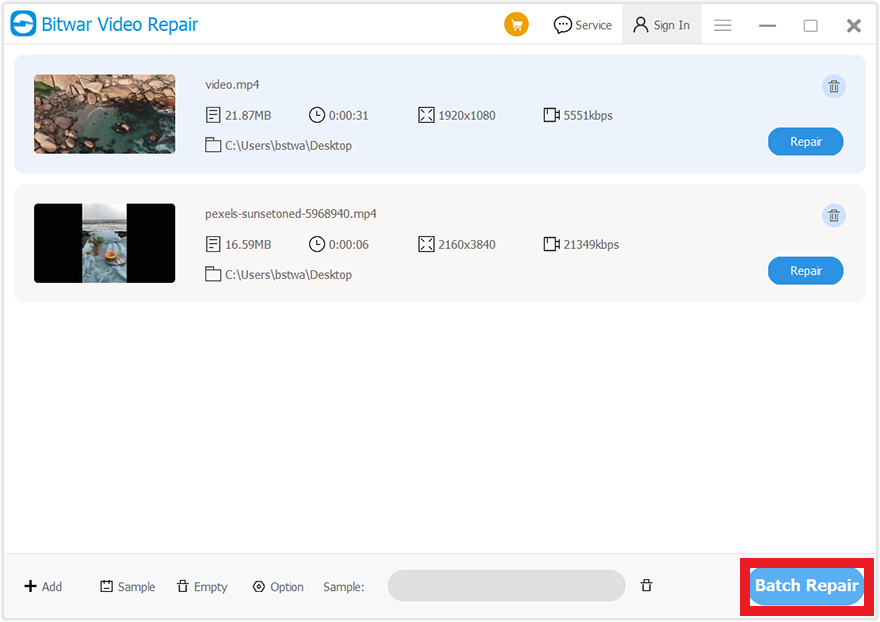
Stap 4. Klik op de Reparatie of Batchreparatie Om de gewenste video te repareren.
Stap 5. Voorbeeld het gerepareerde bestand voordat u het opslaat. U kunt de gerepareerde bestanden openen om te controleren of de beschadigde of beschadigde video is gerepareerd.

Conclusie
Bitwar-videoreparatie Software is een effectief alternatief hulpmiddel, dat uw tijd kan besparen, en er zijn altijd technische experts voor u om contact op te nemen met gratis video -reparatiesuggesties.
Klik voor de volgende stap over het voorbeeldtool op de link:




