Bitwar ドキュメント修復を始めましょう

最終更新日: 2022-07-14
4
((4)。

要約: このユーザー ガイドでは、ユーザーは Bitwar Document Repair のインストールとソフトウェア インターフェイスの詳細を学ぶことができます。

WINバージョン

ソフトウェアをダウンロードする

に進む ソフトウェアダウンロードホームページダウンロードしてインストールするにはBitwar ドキュメントの修復 無料で!

ソフトウェアのインストール

1. BitwarDocumentRepairセットアップ をクリックして、ソフトウェアのインストールのセットアップを開始します。

2. デフォルトを選択しますソフトウェア言語 あなたは必要とヒットします [OK].
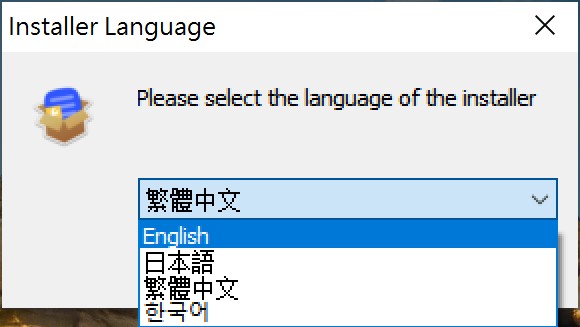
installer language

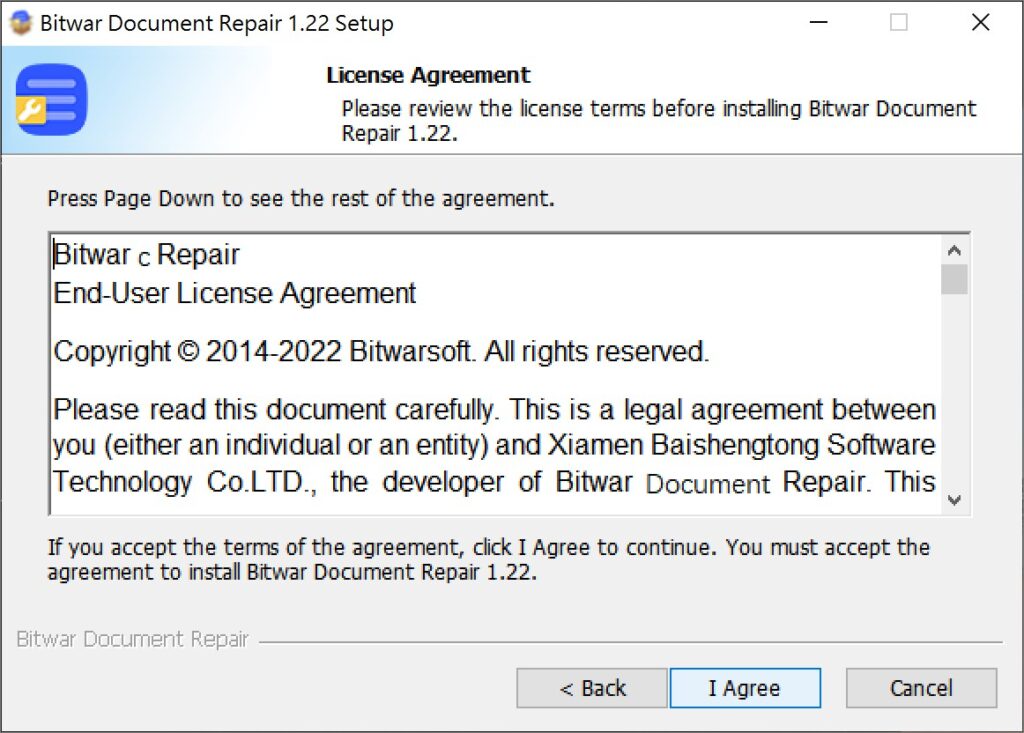
3. クリックします そして選択してください 同意する ライセンス契約に同意します。

Bitwar document repair-installation 2

2.ファイルの宛先の場所 ドキュメント修復インストールの場合は、クリックしてください インストール.
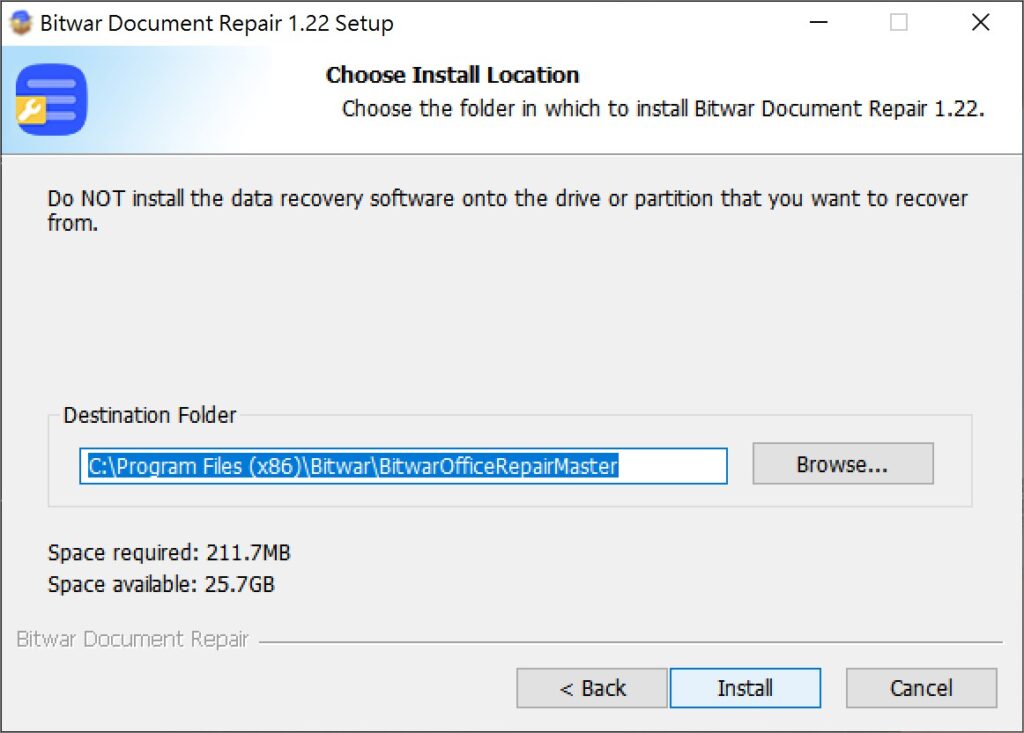
Bitwar document repair-installation 3

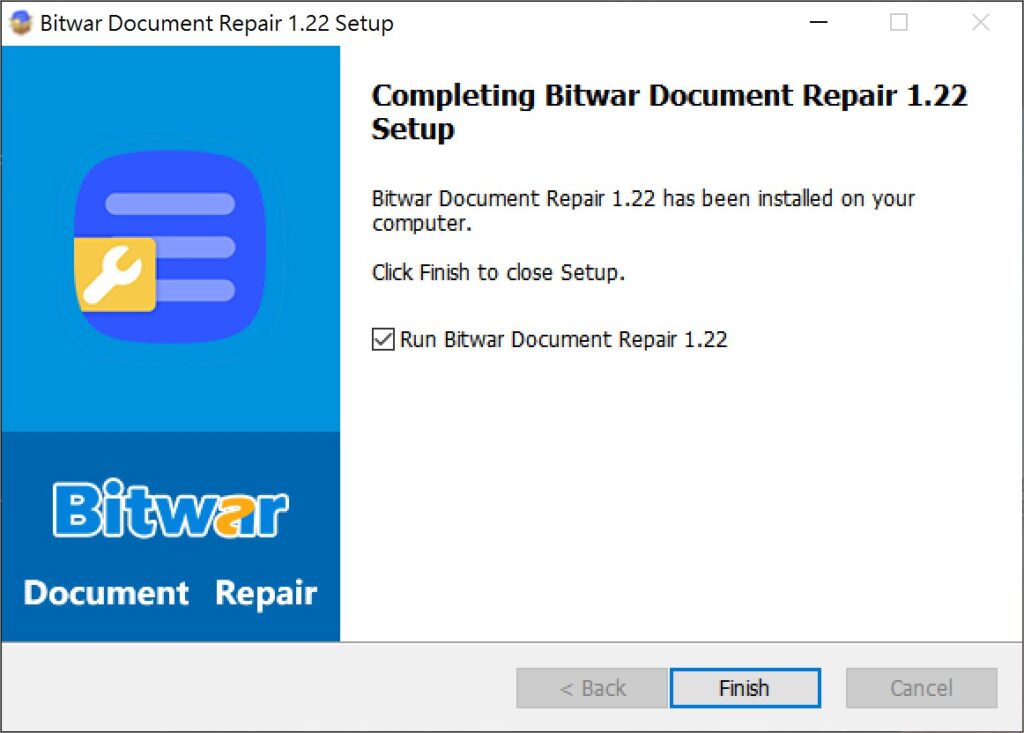
3. をクリックします。 仕上げソフトウェアを起動します。

Bitwar document repair-installation 4


ソフトウェア インターフェイスについて理解する

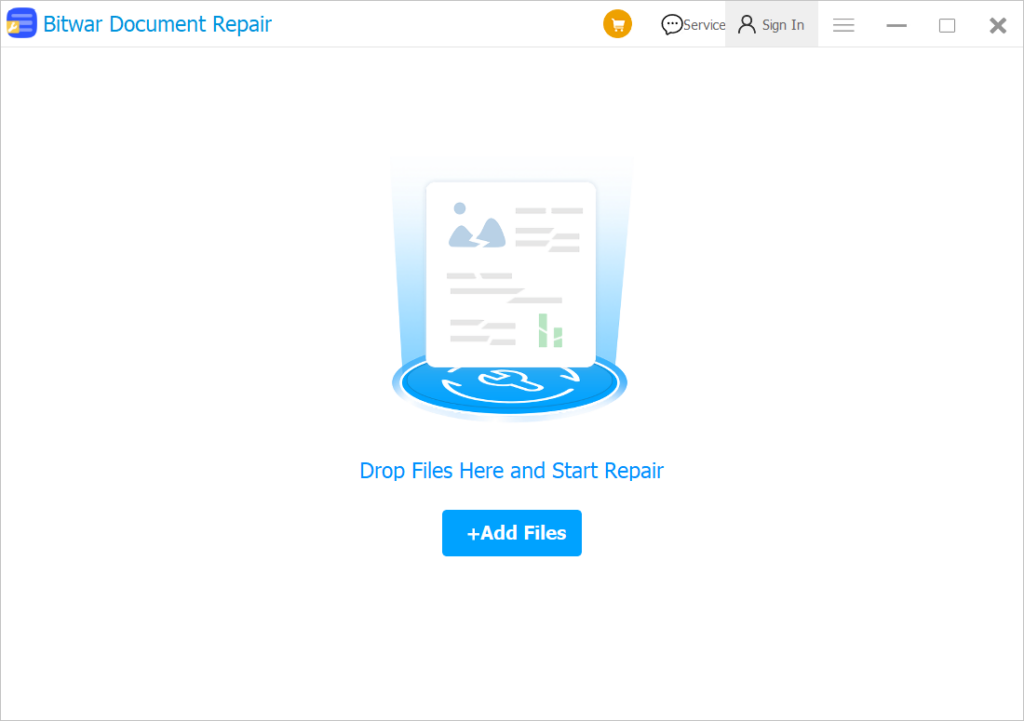
メインインターフェース

document repair 1

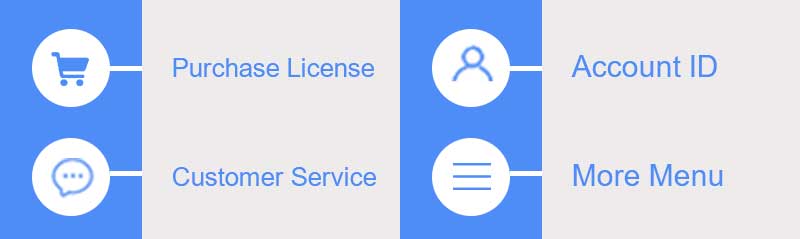
インターフェースボタン

software interface

ドキュメント ファイルの修復に関する次の手順については、リンクをクリックしてください。

Bitwar Document Repair で破損したドキュメントを修復する

How useful was this post?

Click on a star to rate it!

Average rating 4 / 5. 投票数: 4

No votes so far! Be the first to rate this post.

前の記事

What’s New in Bitwar Video Repair V1.5.1 Summary: This user guide will allow users to learn details about the Installation and Software Interface of Bitwar Document Repair....

次の記事

Software Purchase, Activation and Update Summary: This user guide will allow users to learn details about the Installation and Software Interface of Bitwar Document Repair....

ダウンロード

WINバージョン

人気の記事

関連記事