Watermark Video
Zusammenfassung: The user guide below will allow users to learn the tutorial on adding watermark to video by using the Watermark Video tool in Experte für Bitwar-Wasserzeichen.
Inhaltsverzeichnis
Video-Tutorial
Watermark Video
The Watermark video tool allows users to add watermark to video easily and also support batch add watermark to multiple videos at the same time!
Watermark Video Interface Button
Steps to Add Watermark to Video
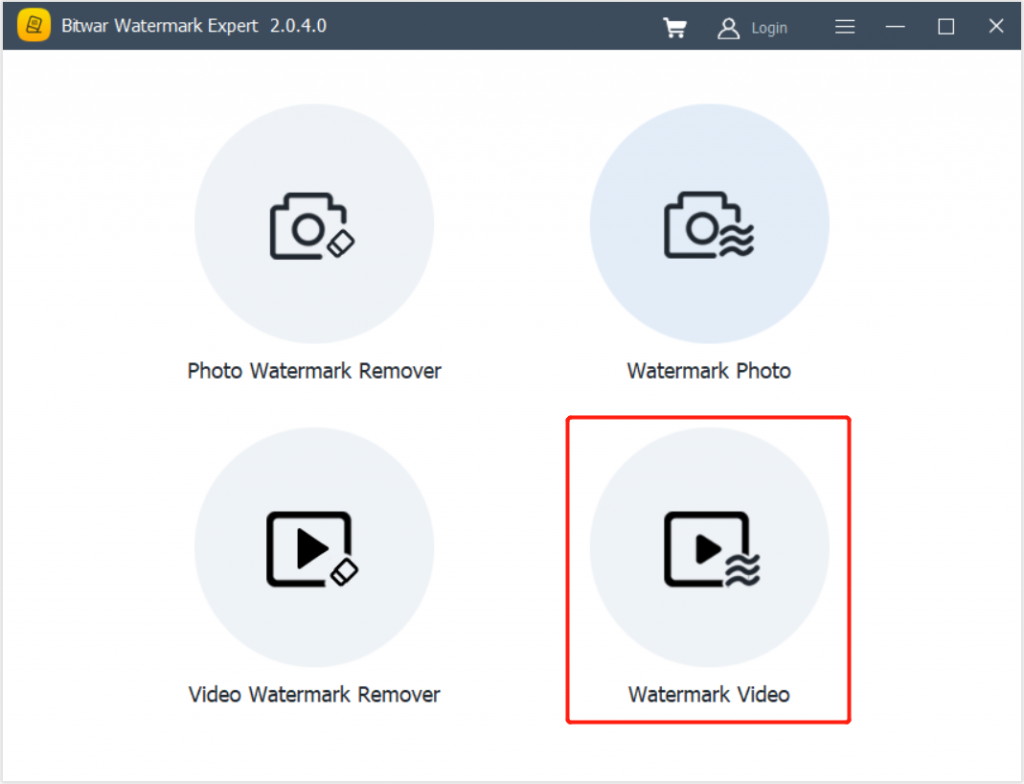
1. Starten Experte für Bitwar-Wasserzeichen and choose Watermark Video from the main interface.
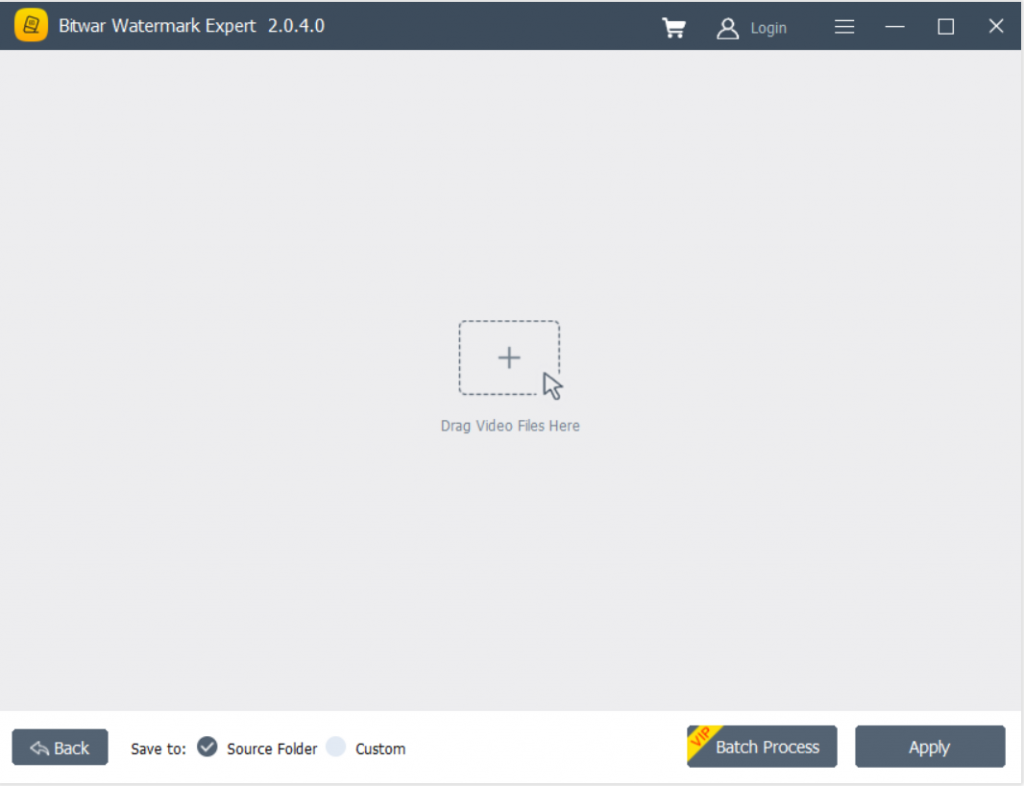
2. Ziehen video or click Add Video icon to add video into the software.
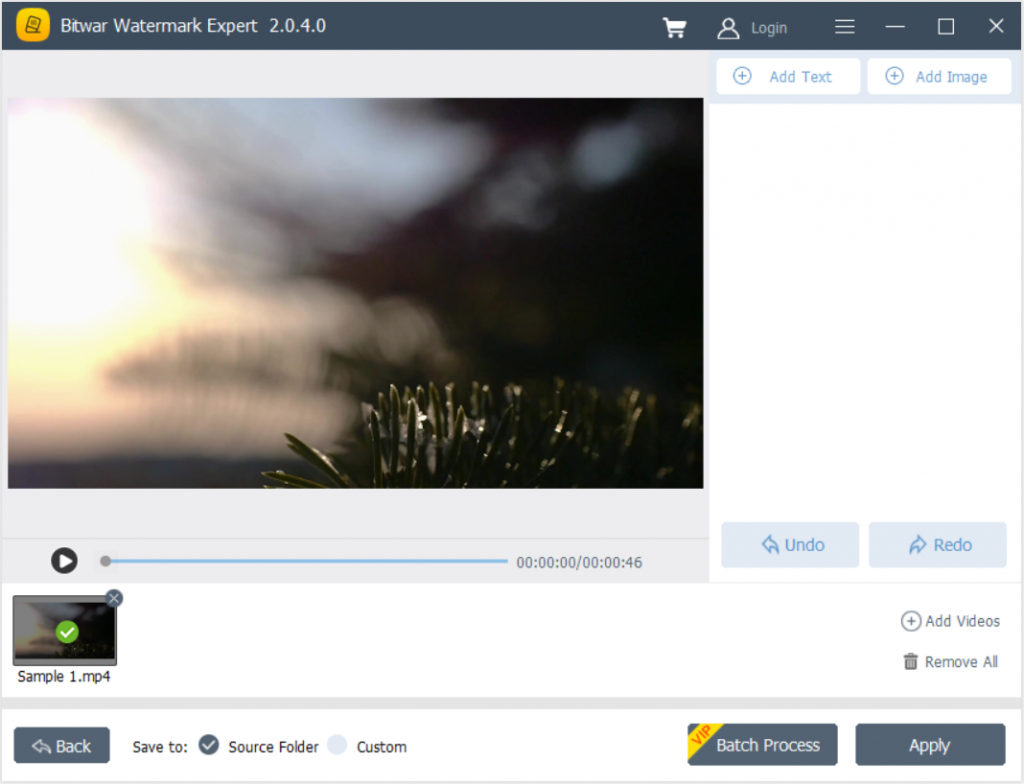
3. Click Add Text or Add Image to watermark the video. Besides, users can edit or design the watermark by changing the font, size, rotate, colour, opacity, and more!
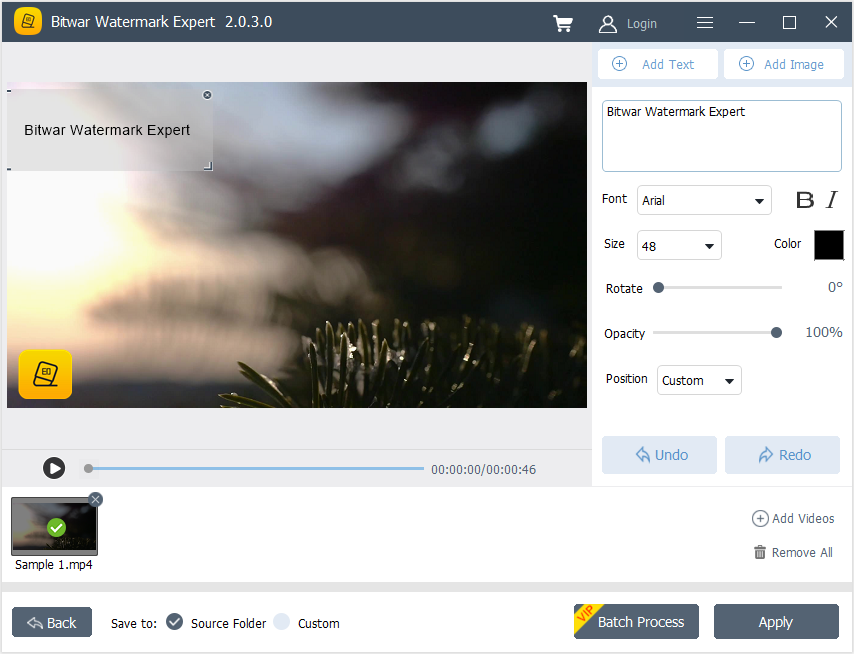
4. After finished adding watermark, click Apply, and please wait patiently for the process to complete. When it is complete, press Open Path to view the new video.
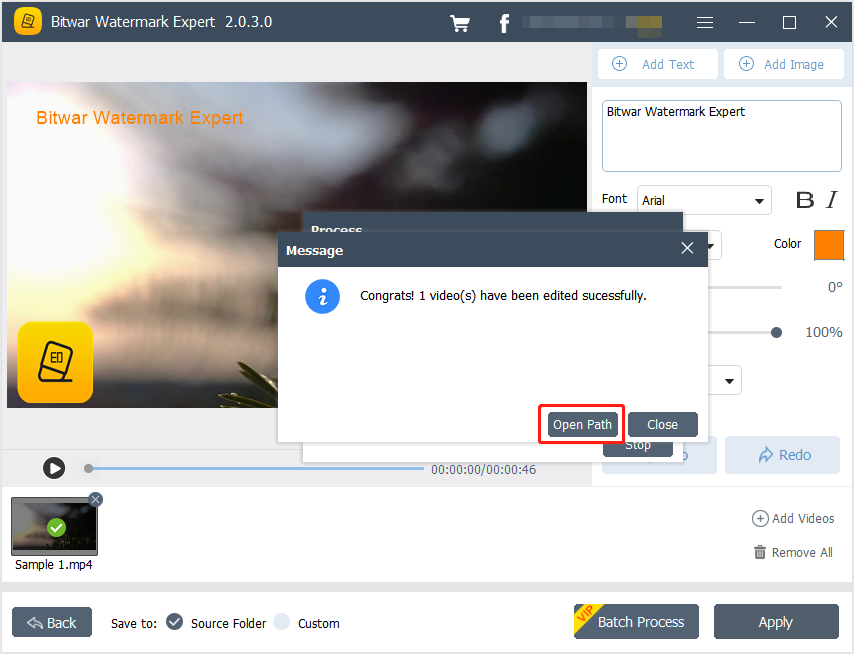
5. Vorschau the Video to check out the new video with the watermark!

Steps to Batch Add Watermark to Videos
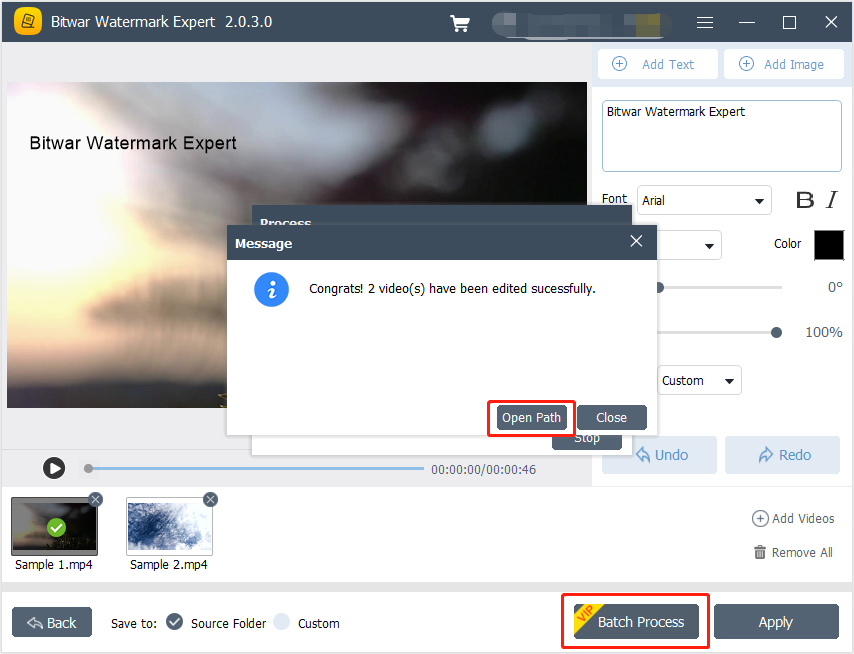
Launch Watermark Video und Ziehen all the videos into software. Design the watermark like the steps mentioned above and click Batch Process to add the watermark to all the videos. Then, click Open Path to open and Vorschau the new videos in the file directory folder.
For the Next Tutorial on Watermark Photo, please click on the link below!




