Get Started Bitwar Document Repair
Last Updated: 2022-07-14
Summary: This user guide will allow users to learn details about the Installation and Software Interface of Bitwar Document Repair.
Table of Contents
Download Software
Proceed to Software Download Homepage to download and install Bitwar documentreparatie for free!
Software Installation
1. Open the BitwardocumentRepairtsetup to begin the software installation setup.
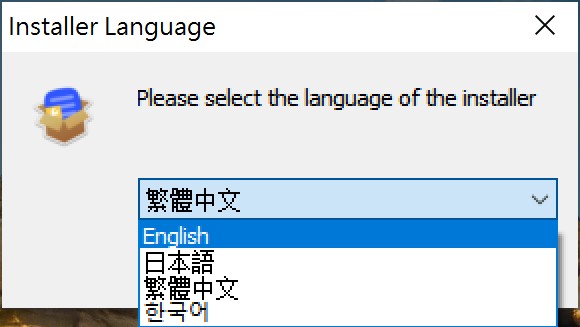
2. Select the default Software Language you need and hit OK.
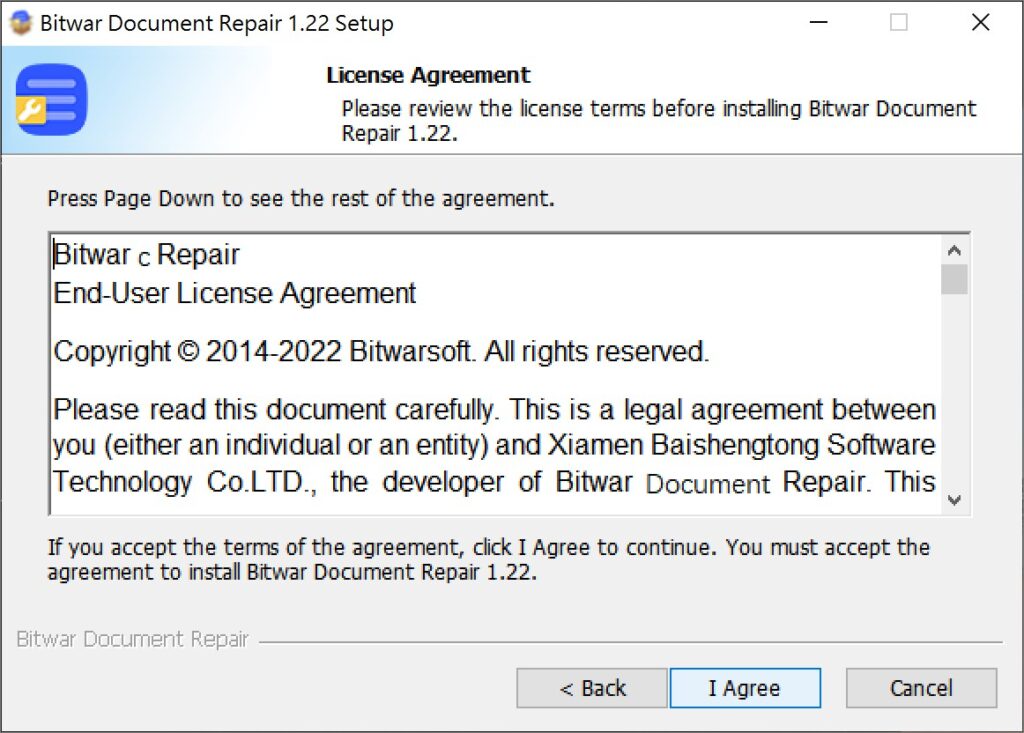
3. Click Next and choose I Agree to the License Agreement.
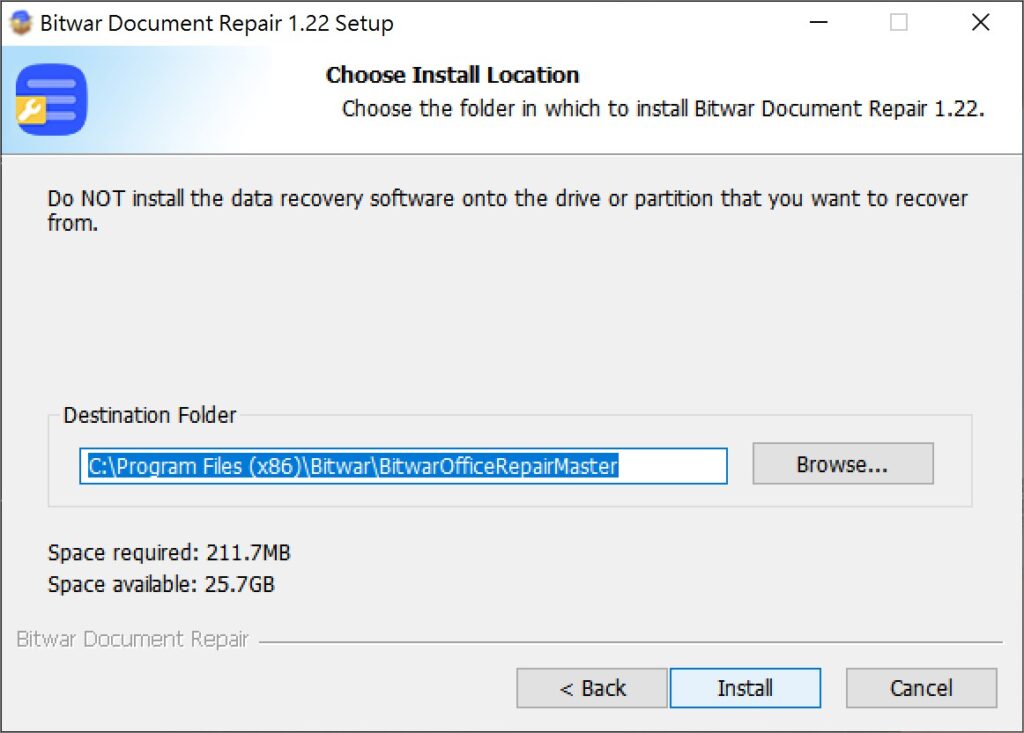
2. Blader door deBestemmingslocatie Voor de installatie van documennt reparatie en klik Installeren.
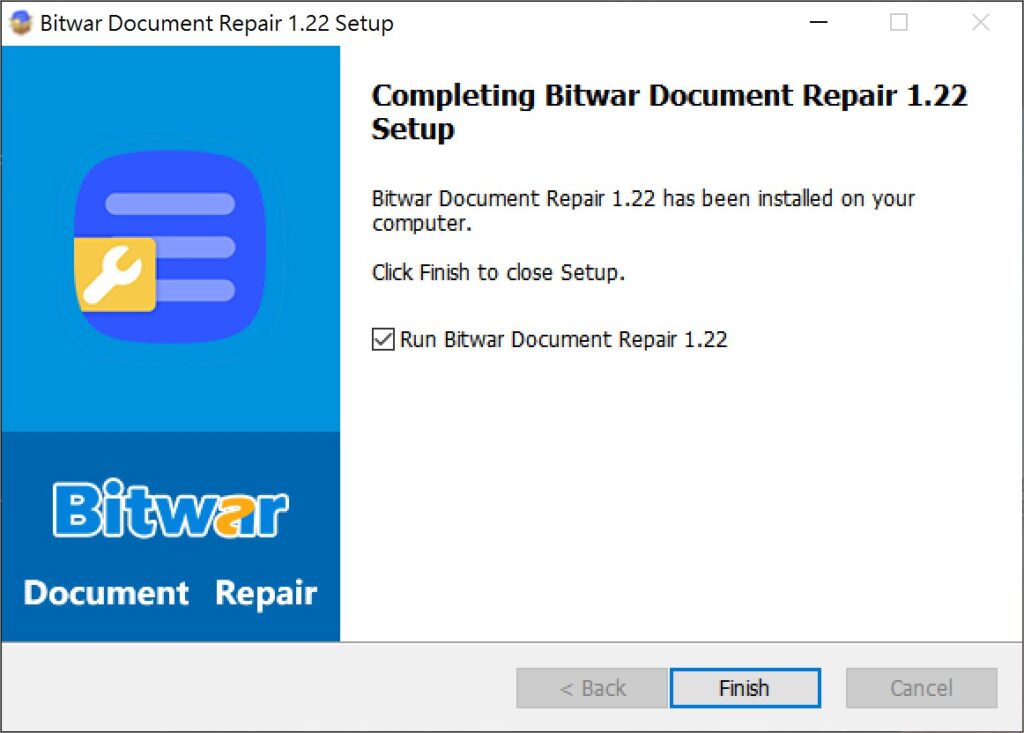
3. Klik Afwerkingom de software te starten.
Maak kennis met de software-interface
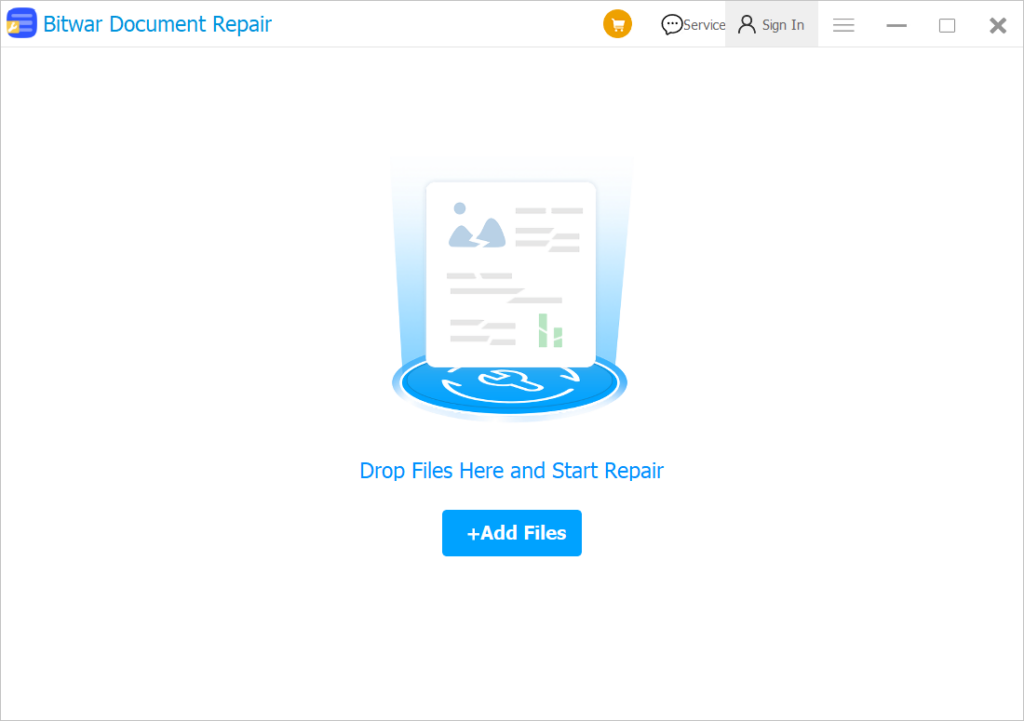
Hoofdinterface
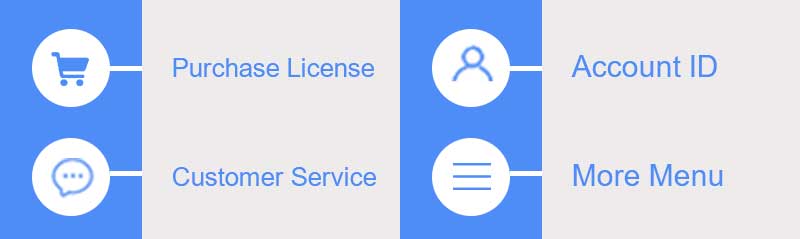
Interfaceknoppen
Klik voor de volgende stap over het repareren van documentbestanden op de link:
Repareer beschadigde documenten met Bitwar -documentreparatie




