The Scanning Interface of Bitwar iPhone Data Recovery
עדכון אחרון: 2021-10-09
Summary: אחרי בחירת שיטת סריקה מתאימה וסימון של סוגי הקבצים הדרושים ב שחזור נתונים של אייפון של Bitwar, משתמשים הגיעו לשלב הסופי, ממשק סריקה. אנא קרא מאמר זה כדי ללמוד על כך.
החלק השמאלי של הממשק מציג את סוגי הקבצים שבחרת בממשק הראשי. והמספרים קובעים כמה קבצים נמצאו.
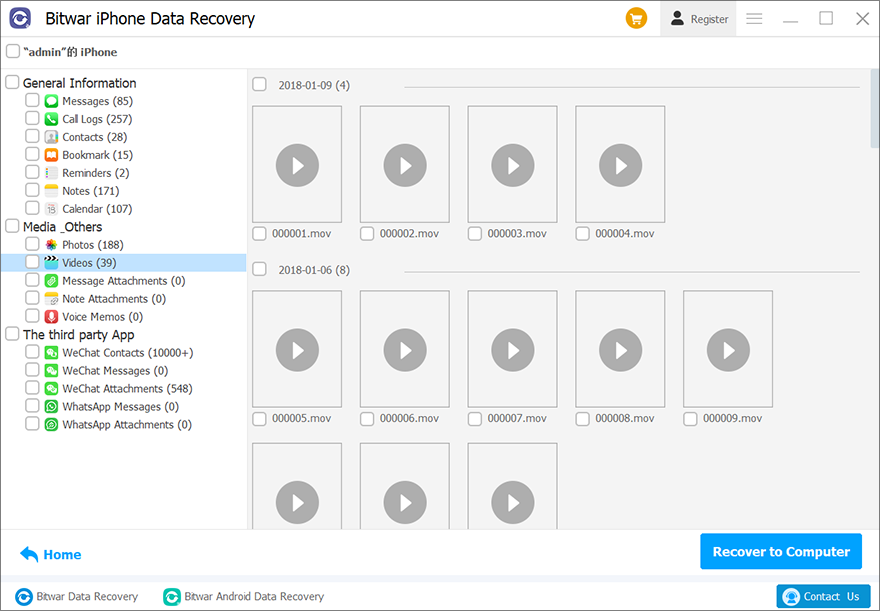
לחץ על אחד מהם כדי לנווט בכל הקבצים מסוג זה בחלק הימני.
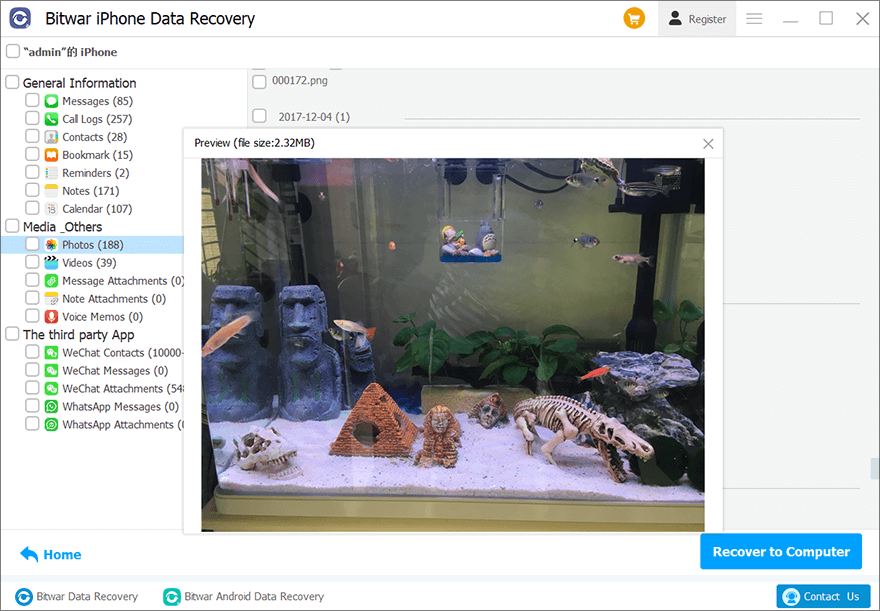
אם ברצונך לבחור מחדש את סוגי הקבצים או את שיטת הסריקה, לחץ על Home כפתור שמתמקם בפינה השמאלית התחתונה כדי לחזור לשלב הקודם.
לבסוף, סמן את הקבצים הדרושים ולחץ על שחזור למחשב כדי לאחסן את הקבצים במיקום מסוים.





